
Setting up a branded, secure client portal that handles contracts, files, and payments in one place can be confusing and fragmented. Many client portal tools require stitching together external e-signature, payment, or document services, which leaves teams with patchy workflows and more manual steps. This comparison covers top alternatives so you can pick a client portal platform that matches your branding, automation, security, and integration needs without a slow migration.
Table of Contents
RealClients
At a Glance
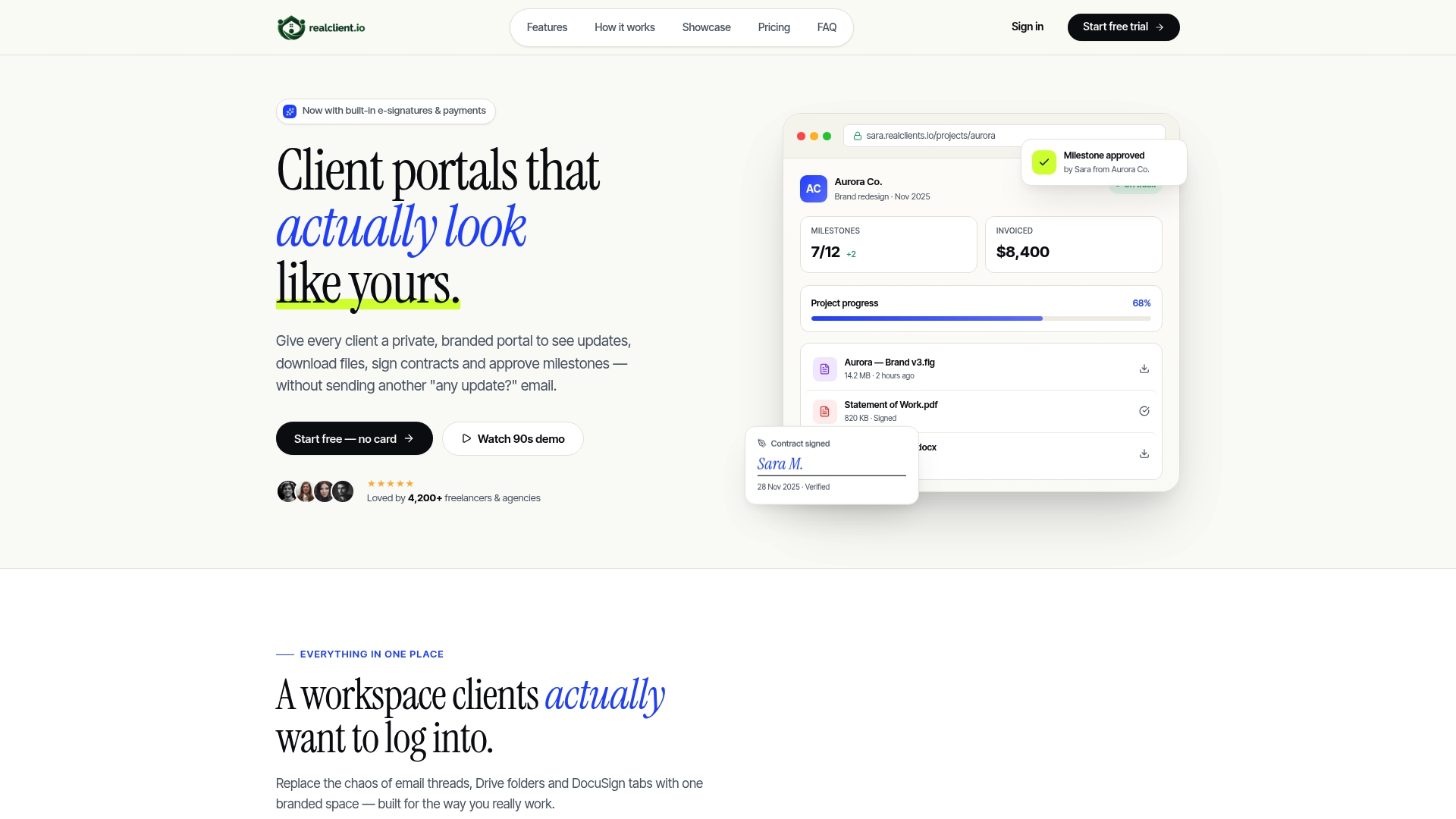
RealClients reports over $48 million invoiced through its portals last year. That figure shows the platform handles real payment flows for freelancers and small studios. The product focuses on private, branded client portals that centralize contracts, files, and project updates.
Core Features
RealClients creates branded client portals where clients can view project updates, download deliverables, and sign contracts without separate tools. The platform pairs threaded messaging with file and task context and includes plain English timelines for milestones and tasks. It also offers in-portal invoicing and payment acceptance with auto-reminders, secure file sharing with version control, and role management for teams.
Key Differentiator
The clearest distinction is the combination of legal e-signatures and deep branding options that let portals appear part of your own site. Built-in, legally compliant signatures carry an audit trail so you do not need a separate contract tool. Custom branding plus domain options mean clients interact with a professional front that matches invoices and contracts.
Pros
RealClients reports an average rating of 4.9 out of 5. That rating ties to quick, intuitive setup that gets client portals live fast and reduces onboarding friction. The all-in-one approach removes the need to stitch email, file storage, contract tools, and payment processors together. Built-in legally binding e-signatures and domain-level branding support faster payments and a cleaner client experience.
Cons
- Limited free storage may restrict large projects for users who keep files in the portal.
Who It's For
Solo freelancers, small studio owners, and boutique agencies who want a single branded place to run client relationships will find this product a close fit. Teams that bill clients and need contracts, file delivery, and payment collection in one workflow will see immediate value. It also fits professionals who prefer a client-facing portal rather than ad hoc email threads.
Unique Value Proposition
RealClients reports built-in e-signatures that are legally compliant alongside domain and branding controls. That combination changes how you present proposals and invoices. Instead of asking clients to use third-party links, you host contracts and payments inside a white labeled portal that keeps your brand front and center. For fee-collecting freelancers, that clarity often shortens payment cycles and reduces follow-ups.
Real World Use Case
A freelance designer sets up a branded portal for a multi-phase branding project. The designer sends an e-signature contract, posts milestone files, and invoices the final phase through the same portal. The client signs and pays without leaving the portal, and the designer tracks payment status and overdue items from their dashboard.
Pricing
RealClients starts with a free tier and then offers a paid plan at $12.99/month for unlimited clients and extra features. Team and enterprise capabilities are available at $29.99/month with expanded access and higher-tier options. Advanced features such as API access and priority support are gated to higher plans.
Website: https://realclient.io
Ahsuite
At a Glance
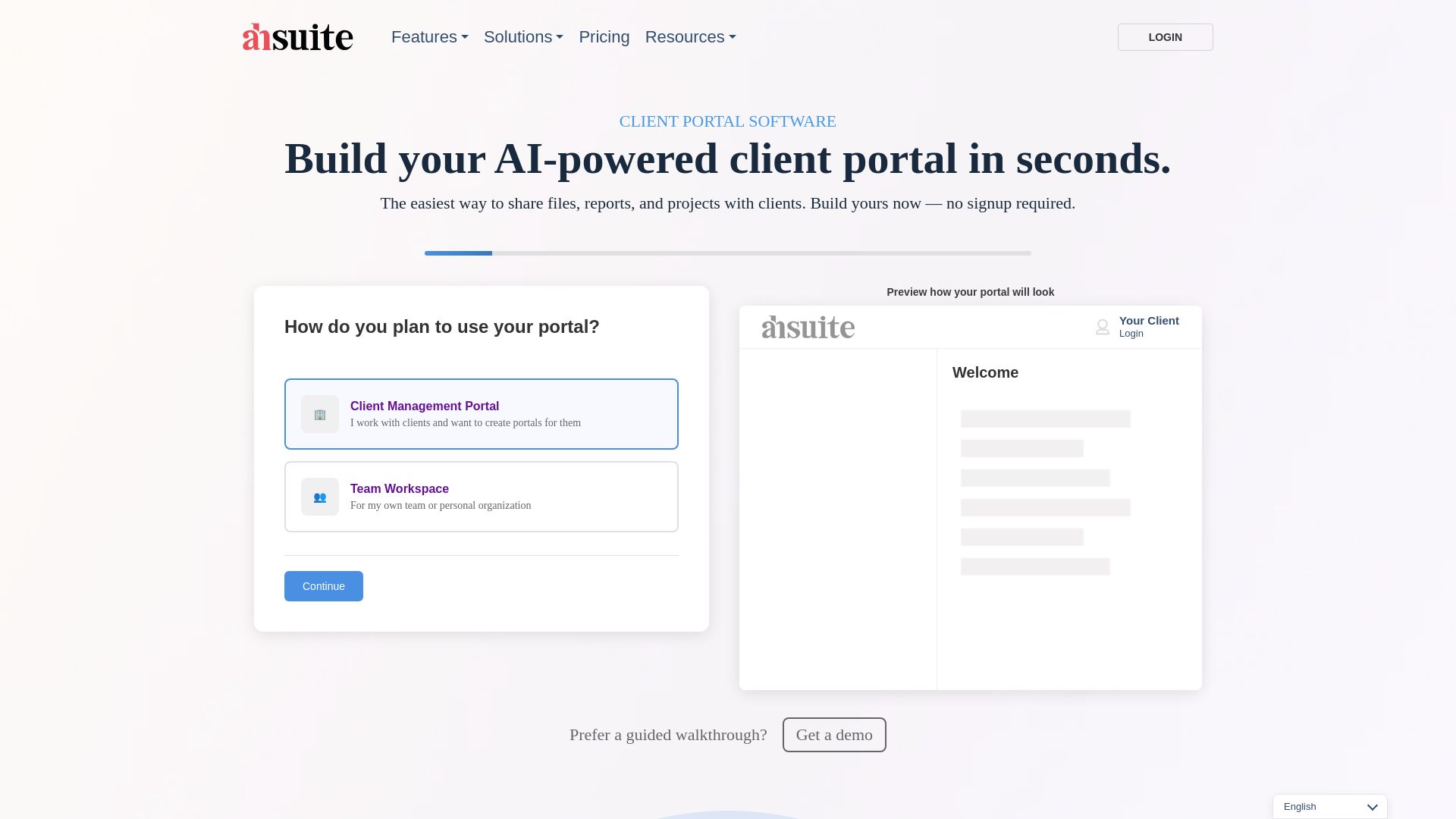
Built-in AI tools let you build custom pages, dashboards, and interactive content directly inside each branded portal. Ahsuite targets accountants, agencies, freelancers, law firms, and small businesses as a customer communication management software option. The platform also offers encryption and two-factor authentication for client data and file sharing.
Core Features
Ahsuite hosts and shares files securely while letting you embed videos, dashboards, and external applications inside client portals. Teams can request files and e signatures, share passwords securely, and keep timestamped work journals for visibility. The product also supports task assignment and basic collaboration tools inside each branded portal.
Key Differentiator
The standout feature is the built in AI that helps you create pages and dashboards without coding. That capability shortens the design work needed to present reports or proposals inside a private client area. For firms that want branded portals plus quick page creation, that single feature is the main draw.
Pros
Branding and white label options let agencies present a single client experience under their own name. Security features such as encryption and two factor authentication protect document exchange and client credentials. The interface reads as intuitive and accessible, which helps teams adopt portals faster. Vendor materials also highlight hands on customer support and onboarding to reduce setup friction.
Cons
- Extensive customization has a learning curve for teams that prefer a simple, no frills portal.
- Advanced AI features require time to learn and to integrate into existing workflows.
- Public details about third party integrations beyond Google Data Studio and Google Slides are limited.
When It May Not Fit
If your priority is a minimal, single purpose client folder, Ahsuite may feel feature heavy and slower to set up. Organizations that lack internal capacity to train staff on AI page building will see delayed returns. Firms that depend on many non Google integrations should verify compatibility before committing.
Notable Integrations
Ahsuite lists integration with Google Data Studio and Google Slides for embedding reports and presentations. There is no broad catalogue of third party connectors advertised beyond those Google tools.
Who It's For
Accountants, law firms, and small agencies that need branded, secure portals will find Ahsuite relevant. Freelancers who want a free entry tier can test client workflows before upgrading. Small businesses that prefer portals with embedded dashboards and document workflows also fit this profile.
Real World Use Case
An accounting firm uses Ahsuite to share encrypted year-end documents with clients inside a private, branded portal. The firm assigns preparation tasks, tracks timestamps in work journals, and embeds a Google Data Studio report for each client. That setup reduces email attachments and centralizes review comments.
Pricing
Plans start with a free tier aimed at freelancers. Paid options include Grow, Professional, and Agency plans with pricing around $6.50/month to $24/month, and some plans offer a one time payment option. The vendor also provides trial access to test features before purchase.
Website: https://ahsuite.com
Hubflo
At a Glance
Starting at $67/month for the Starter plan, Hubflo bundles client portals, onboarding automation, and API access. The pricing tiering rises to higher plans and enterprise options for larger firms. That mix targets service businesses looking to replace multiple point tools.
Core Features
Hubflo provides client portal customization across industries, automated onboarding workflows, and team permissions for plans and forms. The platform includes API access for custom connections and native links to common apps like Gmail and QuickBooks. Dedicated onboarding resources and a content hub support adoption and setup.
Key Differentiator
Hubflo's main strength is its all-in-one client engagement focus that combines portals, automation, and integrations in a single subscription. That positioning aims at firms that want fewer vendor relationships and centralized client touchpoints. Compared with Realclient, Hubflo targets small to mid-sized service firms rather than solo freelancers who prioritize a lightweight client portal.
Pros
The setup is simple and quick for standard use cases, which shortens the time to active client onboarding. The platform supports many integrations and automation rules, making repetitive tasks require fewer manual steps. Hubflo includes dedicated onboarding plans and support materials, which helps teams adopt workflows faster. Enterprise customers can request add-ons and mobile app options to match larger internal needs.
Cons
-
Industry gaps: Some specialized practice workflows may require external tools outside Hubflo.
-
Cost for full feature set: Mobile apps and enterprise customization can add to the base plan price.
-
Customization limits: Deeply bespoke integrations require engineering work using the API.
-
Learning curve: Complex automation and permission setups need time to configure correctly.
Notable Integrations
Hubflo lists native connections with Gmail, HubSpot, Salesforce, Slack, QuickBooks, Stripe, Calendly, and Notion. These integrations cover email, CRM, accounting, payments, and scheduling needs for client-facing teams. Most connectors support typical syncs for contact, calendar, and invoice workflows.
Who It's For
Service professionals and small to mid-sized firms that need a unified client engagement platform will find Hubflo a close fit. Ideal users include consultants, accountants, law firms, and agencies that require portals, onboarding automation, and multiapp integrations. Teams that expect enterprise-level customization can scale into higher plans.
Real World Use Case
A law firm uses Hubflo to centralize client messages, automate engagement letters, and route documents to a secure portal. The firm ties Hubflo to its document signing and storage tools through native connectors and the API. That setup reduces repetitive email threads and keeps client files organized in one place.
Pricing
Plans start at $67/month for the Starter tier, billed annually, with higher tiers up to $262/month for more features. Enterprise customization and add-on mobile apps are available for larger firms. Annual billing carries discounts compared with monthly invoicing.
Website: https://hubflo.com
Assembly
At a Glance
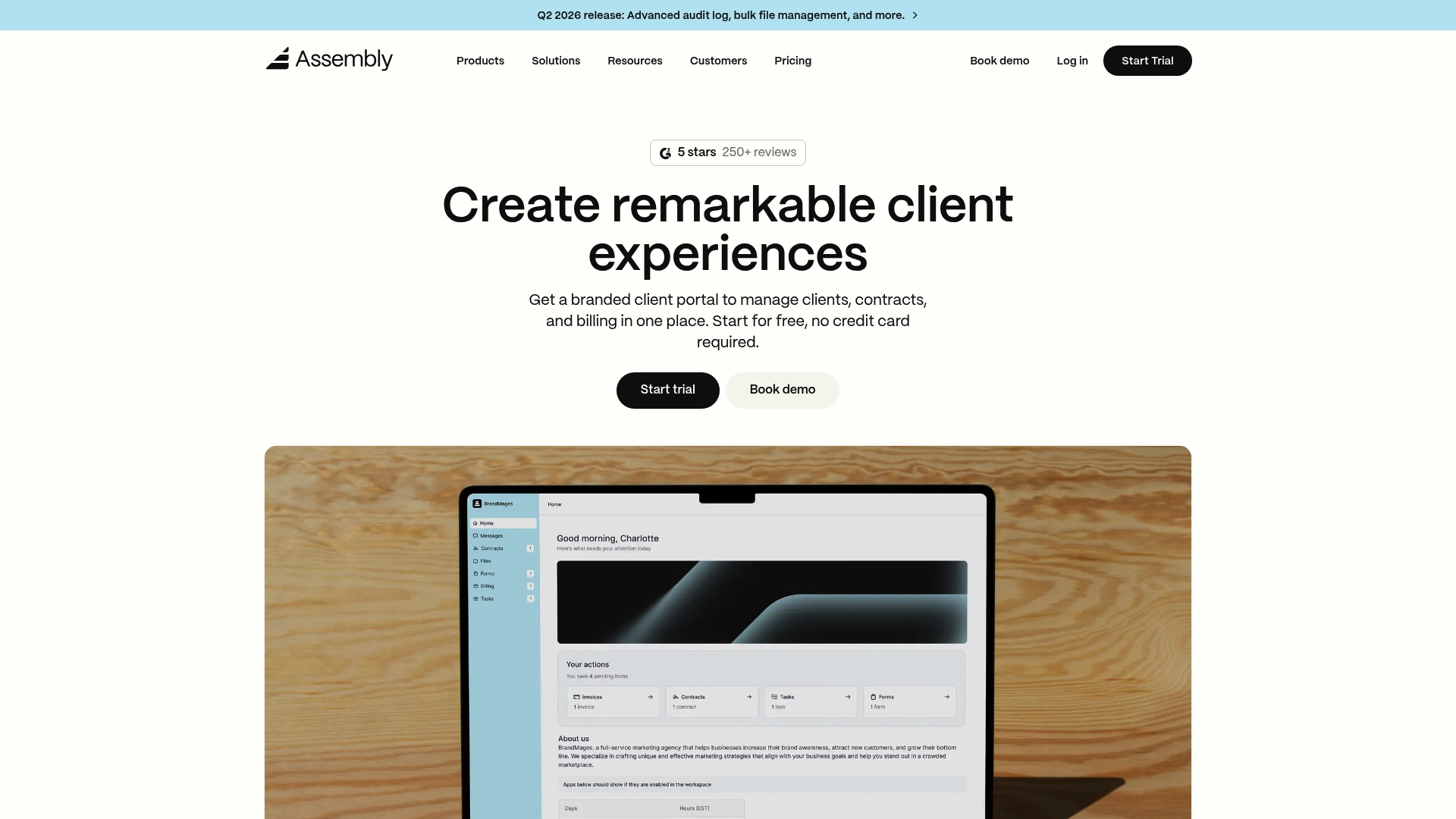
Assembly's marketing materials state the platform includes SOC2 and HIPAA compliance alongside a development environment for custom apps. The product targets professional service firms that need branded client portals for billing, contracts, and secure file exchange. The onboarding and workflow automation aim to reduce manual follow ups and repeated email attachments.
Core Features
Assembly offers branded client portals that centralize contracts, invoicing, and client communication while providing CRM tools for contact and engagement records. Workflow automation covers onboarding, eSign, and payment processing, and the platform exposes an API plus Zapier and Make connectors for data flow. Teams can build and embed custom apps and dashboards using the platform's development tooling.
Key Differentiator
The standout is the combination of custom app development and integration depth with built in compliance controls. That extensibility lets firms embed bespoke workflows and connect legacy systems without moving clients to a separate tool. Those compliance claims add appeal for firms that handle sensitive client records.
Pros
Assembly suits firms that want a single place for client interactions, billing, and documents rather than juggling multiple point solutions. The platform's developer tools and public API support custom integrations and internal apps, so teams can automate unique billing rules or reporting needs. The vendor reports built in SOC2 and HIPAA, which helps firms with regulatory requirements when handling confidential client data.
Cons
- Implementation complexity can be high for teams without technical resources. Some firms will need dedicated developer time or vendor support to finish custom setups.
- Pricing tiers may feel expensive for solo practitioners or very small teams. Small firms may outgrow the Starter plan quickly.
- Advanced security and single sign on controls sit behind higher level plans and may require extra configuration or professional services.
When It May Not Fit
If you run a one person practice with no developer access, Assembly may be more than you need and more costly than simpler portal tools. If you require out of the box simplicity with minimal setup, this platform's flexibility can slow initial adoption. Firms that cannot budget higher tier plans or professional services for security and SSO should consider lighter alternatives.
Notable Integrations
Assembly connects via its API for custom integrations and supports Zapier and Make to link common productivity and accounting tools. The custom app toolkit also allows embedding external dashboards and third party widgets inside client portals.
Who It's For
Mid sized professional service firms in accounting, legal, real estate, marketing, and consulting that need a customizable client portal. Teams that value the ability to build bespoke workflows and integrate core systems will get the most from Assembly. Organizations that must meet formal compliance requirements will find the platform relevant.
Real World Use Case
A mid sized legal firm used Assembly to replace scattered client emails and shared drives. The firm created branded portals for each matter, added eSign for retainer letters, and automated monthly invoicing from the portal. That setup reduced time spent chasing signatures and consolidated billing records in one secure place.
Pricing
Plans start at $39/month for the Starter option and scale to Professional and Advanced tiers. Enterprise contracts are priced custom and include additional security, SSO, and implementation support.
Website: https://assembly.com
Comparison of alternatives
Choosing the right client portal software is crucial for businesses aiming to streamline their communication and deliver tailored services. Each solution profiled here offers distinctive features targeting different user needs.
Usability and Onboarding Speed
RealClients distinguishes itself through its setup simplicity, providing solo professionals and small teams with an easy means of establishing well-designed branded portals quickly, enhancing client interactions efficiently. In contrast, competitors like Ahsuite and Assembly offer advanced customization options, tailored more for users with the technical expertise or resources to invest in learning their more complex setups. Hubflo offers an efficient onboarding process supported by dedicated resources, favoring organizations that prioritize thorough operational adoption from the start.
Unique Features and Integration
RealClients consolidates invoicing, e-signatures, and project updates into a single branded experience, allowing for a smoother operational workflow. In comparison, Assembly provides a versatile platform that includes developer tools for custom applications and compliance measures such as SOC2 and HIPAA, suitable for firms requiring stringent security measures. However, its sophisticated design can pose challenges without significant technical support. Hubflo excels in integration capabilities, making it appealing for organizations with diverse software requirements needing system connections.
Best fit
- Freelancers and small teams seeking a professional, quick-to-implement branded portal solution with integrated invoicing and e-signatures should select RealClients for its user-focused design.
- Teams requiring customizable portals with security for sensitive information and workflows should explore Assembly.
- Agencies or professional service firms needing tools and advanced integrations should consider Hubflo.
- Those who value rapid iteration and AI-assisted documentation and dashboard creation should investigate Ahsuite.
Our pick
Among the options, RealClients steps ahead as the preferred choice, maximizing ease of use and client interaction efficiency with its integrated features and branding capabilities. However, businesses aiming for customization and compliance might find Assembly better aligned to their unique needs.
Selecting a client portal software involves evaluating features like branding, e-signatures, and pricing that matter most for your team's needs.
| Product | Core Feature | Key Differentiator | Best For | Pricing | Notable Limitation |
|---|---|---|---|---|---|
| RealClients | Branded portals centralize client workflows | Built-in e-signatures and branding control | Freelancers, small studios | Free/$12.99–$29.99/month | Limited free storage for large projects |
| Ahsuite | Secure file hosting and embedded dashboards | Built-in AI for page/dashboard creation | Accountants, agencies, freelancers | Free/$6.50–$24/month | Requires training for advanced features |
| Hubflo | Customizable portals and onboarding automation | All-in-one client engagement and API access | Small to mid-sized service firms | $67–$262/month | High pricing tiers for large-scale customization |
| Assembly | Branded portals with compliance and APIs | Developer tools for custom apps and security | Mid-sized professional service firms | $39+/month | Implementation complexity for non-technical teams |
How to Simplify Client Communication and Payment Challenges
Many freelancers, small studios, and boutique agencies face the problem of juggling multiple tools to manage contracts, files, and payments. This increases miscommunication and delays payments. Realclient solves these issues by offering private, branded client portals that combine messaging, file sharing, contracts with legal e-signatures, and payment processing all in one place. This unified approach eliminates scattered emails and speeds up payment cycles.
Key benefits include:
- Centralized updates and documents for clients
- Legally binding e-signatures within your portal
- Faster payment collection with automatic reminders
Freelancers and studio owners looking to reduce onboarding friction and maintain a professional client experience should explore how Realclient supports these needs. Visit Realclient to see how your client communication management software can become simpler and more effective.
Discover Realclient solutions and start tracking projects and payments with less hassle today.
FAQ
How does Realclient's invoicing feature benefit freelancers and small studios?
Realclient includes in-portal invoicing and payment acceptance with auto-reminders. This feature simplifies the payment process and encourages faster client payments, contributing to better cash flow. Freelancers and small studios can expect a more streamlined transaction experience without multiple platforms.
What is the difference between Ahsuite and Realclient?
Ahsuite features built-in AI that helps create custom pages and dashboards without coding. This capability is beneficial for teams needing extensive customization and quick page creation for client portals. Realclient, however, excels in offering legal e-signatures and branding options, making it ideal for professionals focused on invoicing and contract management.
How does Realclient support client branding?
Realclient allows users to create fully branded client portals that match their professional identity. The platform offers deep branding options and custom domain capabilities, so clients interact with the portal as if it's part of the user's own website. This branding can enhance client trust and engagement during interactions.
Can Ahsuite's extensive features slow down setup time for small agencies?
Yes, Ahsuite's extensive customization options may create a learning curve and longer setup time for small agencies that prefer simpler tools. In contrast, Realclient focuses on quick, intuitive setup, allowing teams to get started efficiently without extensive training.
What is the pricing for Realclient, and what features are included?
Realclient starts with a free tier and a paid plan at $12.99 per month, which includes unlimited clients and advanced features. This pricing structure allows freelancers and small studios to choose a cost-effective plan that scales with their needs.