
Managing contracts, files, communication, and payments across different tools complicates client workflows and causes delays. Many client management systems split e-signatures, invoicing, and branded portals across separate subscriptions or need technical setup to connect features. This comparison covers pricing, payment integrations, and portal branding so freelancers and studios can match the right alternative to their workflow and client profiles.
Table of Contents
RealClients
At a Glance
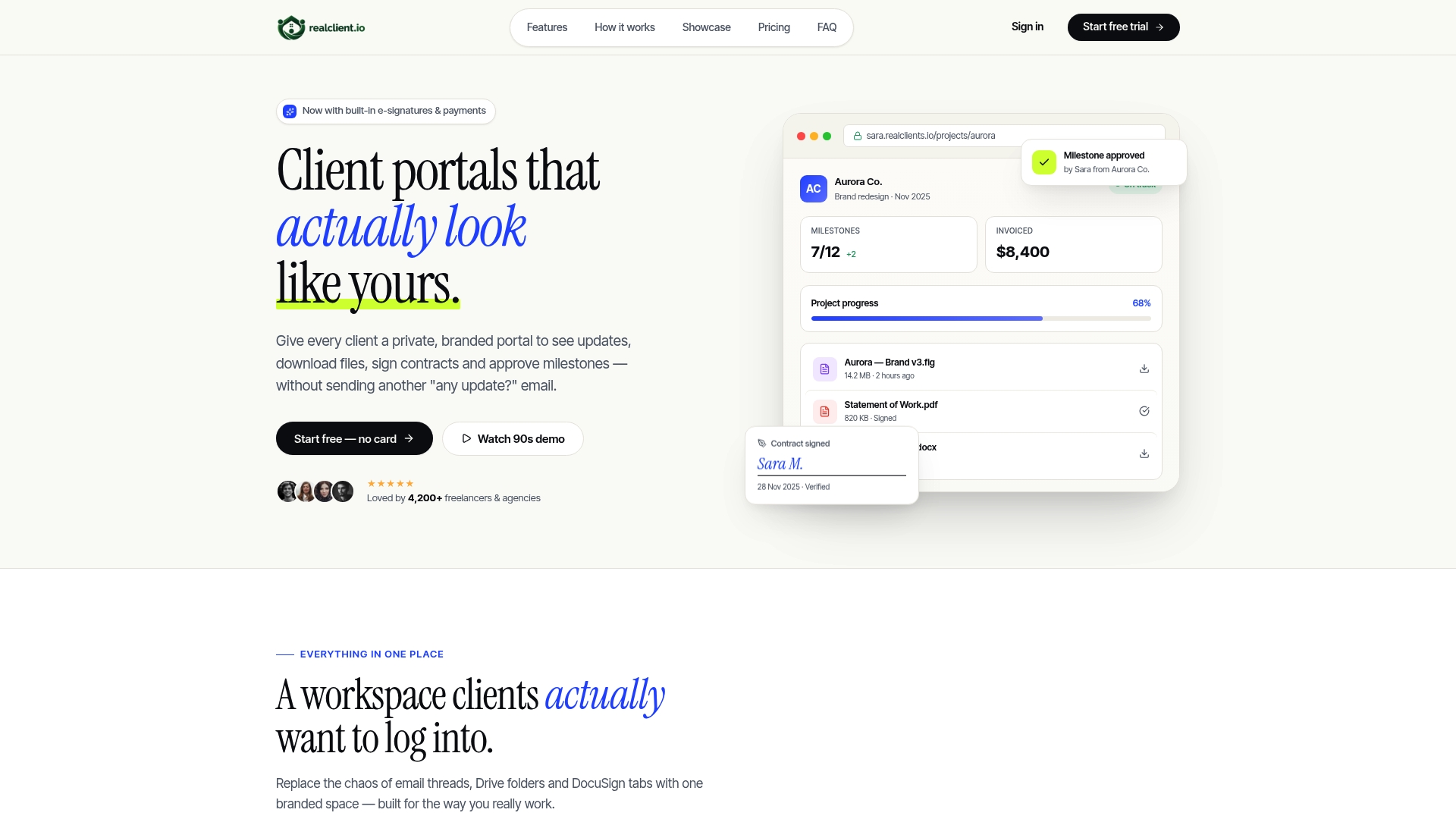
RealClients reports over $48 million invoiced through its portals last year. That figure highlights how clients complete billing and payments inside branded portals. The product also advertises a 14-day free trial with no credit card, letting you test signing and payments before committing.
Core Features
Threaded messaging sits next to files and tasks so conversations stay tied to deliverables. The platform includes built-in legally binding e-signatures, plain English project timelines, milestone tracking with automatic payments on approval, and in-portal invoicing with integrated payments. File sharing supports drag-and-drop uploads, version history, custom branding and domain options, team roles and permissions, analytics, and security protocols such as AES-256 and TLS 1.3.
Key Differentiator
All client communication, file sharing, contract signing, and payments are consolidated into a single branded portal that looks and functions like your own platform. That consolidation removes the need to send contracts in one place and invoices through another. The portal keeps client-facing touch points private and branded rather than spread across email and third-party links.
Pros
Setup is fast and reported to take about two minutes, which helps you onboard a client the same day. The vendor states SOC 2 and GDPR compliance, and built-in payment options plus e-signatures reduce the number of separate subscriptions you must manage. Custom branding, domain options, and positive user feedback about reduced client chaos support a professional client experience and faster payments tied to that invoicing figure.
Cons
- Some features may feel basic for large or highly complex projects.
Notable Integrations
- Stripe
- PayPal
Who It's For
Freelancers, designers, and small studios who want a professional, branded client portal to simplify communication, contract signing, and payments. Solo consultants and photographers who share files and request signatures will find the portal workflow helpful. Teams that prefer a single client-facing hub rather than multiple point tools will get the most value.
Unique Value Proposition
Built-in e-signatures and integrated payment processing let you collect signatures and payments without a separate signing or billing product. That setup reduces subscription overhead and shortens the client payment path. For small creative teams, consolidating those steps into a branded portal improves presentation and reduces email friction.
Real World Use Case
A freelance web designer creates a portal per client so milestones, files, contracts, and invoices live together. Clients sign a contract in the portal, approve a milestone, and pay the invoice through the integrated gateway. The designer stops sending file links and separate invoices and keeps every project record in one place.
Pricing
Free tier supports up to 3 clients and basic features, useful for solo sellers or trial projects. Pro costs $12.99/month for unlimited clients and additional features. Business costs $29.99/month and adds priority support plus API access.
Website: https://realclient.io
Indy
At a Glance
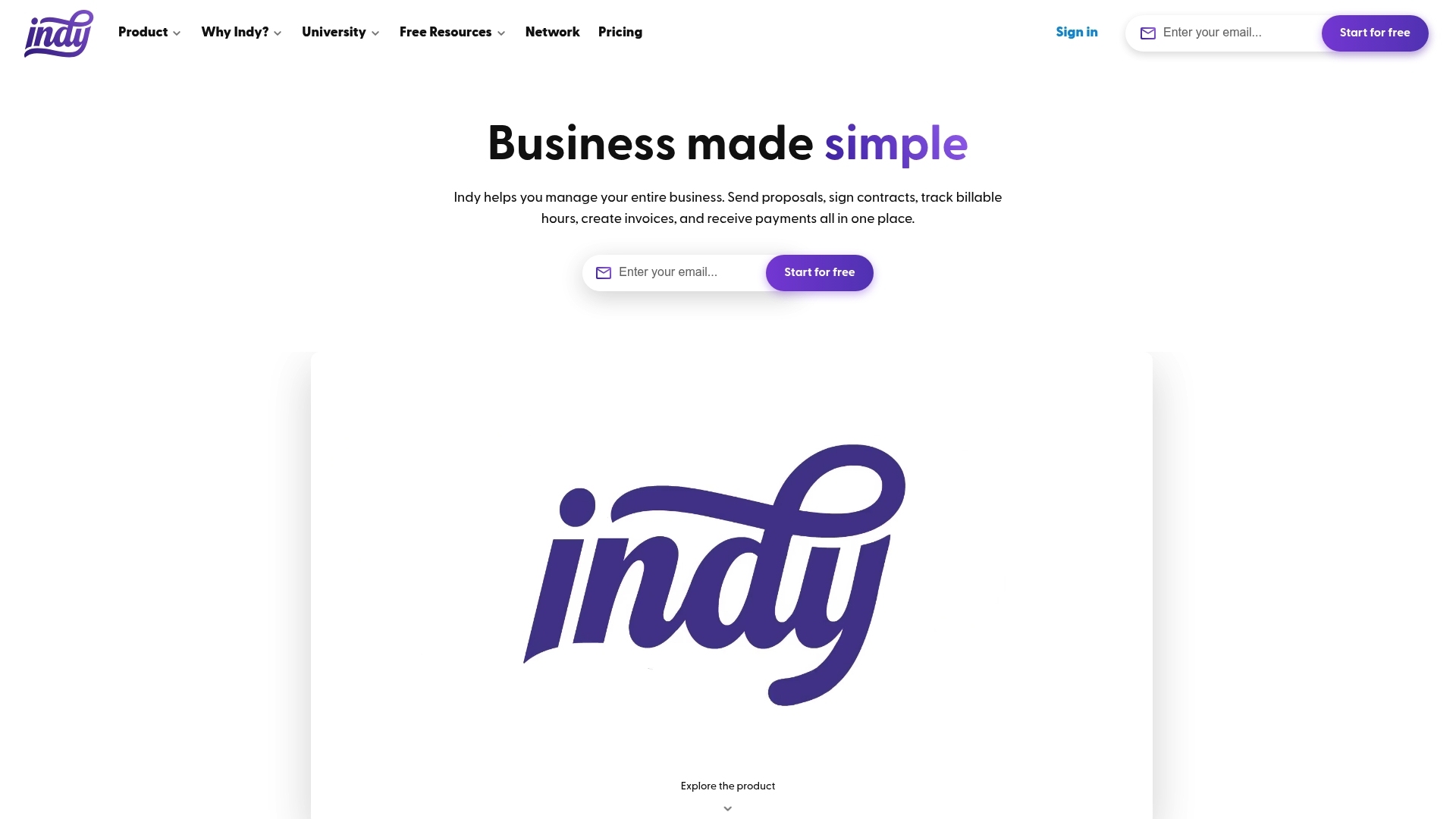
The Pro bundle costs $12.50 per month when billed annually and includes a free seven day trial. Indy bundles proposals, contracts, invoicing, payments, project management, and client communication into a single workspace. The vendor positions the product specifically for freelancers and small business owners who want fewer tools to manage.
Core Features
Indy provides a project management workspace that keeps tasks, files, and client messages together. The platform includes a calendar with two way integration for scheduling, contract creation and e signing, file storage with feedback tools, and forms for lead capture. Those features link to payments and invoicing so you can move from proposal to payment without switching apps.
Key Differentiator
Indy focuses on delivering an all in one experience built by freelancers for freelancers. That focus means workflows and templates reflect solo and small team needs rather than enterprise practices. The platform trades broad workplace features for a tighter set of tools that reduce tool juggling for independent professionals.
Pros
Indy is strong for freelancers who want to keep proposals, contracts, invoices, and client work inside one platform. The product offers professional templates that speed document creation and save setup time. Integrations with common services and educational content from Indy University help you adopt the tools quickly and handle payments without extra systems.
Cons
-
Free plan storage is limited to 10GB, which fills quickly if you handle large design or video files.
-
Feature set targets solo freelancers; teams that need advanced permissions, reporting, or multiuser admin controls will find gaps.
-
Some buyers require deeper native integrations or custom automations beyond the apps Indy currently supports.
When It May Not Fit
If you run a growing agency or a company with several billable teams, Indy may lack the team management features you need. Projects that require heavy file archival will push you toward higher storage tiers or a separate file service. If your workflows depend on rare integrations or custom APIs, you may need an integration platform in addition to Indy.
Notable Integrations
- Google Calendar
- PayPal
- Stripe
- Zapier
Who It's For
Indy fits freelancers, creative professionals, and small business owners who want to reduce tool count and move faster from pitch to payment. You will get the most value if you manage your own contracts and invoices and prefer templates over custom builds. Teams larger than a handful of people should evaluate team feature needs before committing.
Real World Use Case
A freelance graphic designer uses Indy to draft proposals, collect digital signatures, and send invoices after project milestones. The designer tracks project tasks and stores client files in one place and links invoicing to Stripe or PayPal for payments. That workflow cuts back and forth between apps and reduces time spent chasing approvals and payments.
Pricing
Indy offers a free tier and a Pro bundle priced at $12.50/month when billed annually, shown as $150 per year. A free seven day trial lets you test Pro features before you commit.
Website: https://weareindy.com
Dubsado
At a Glance
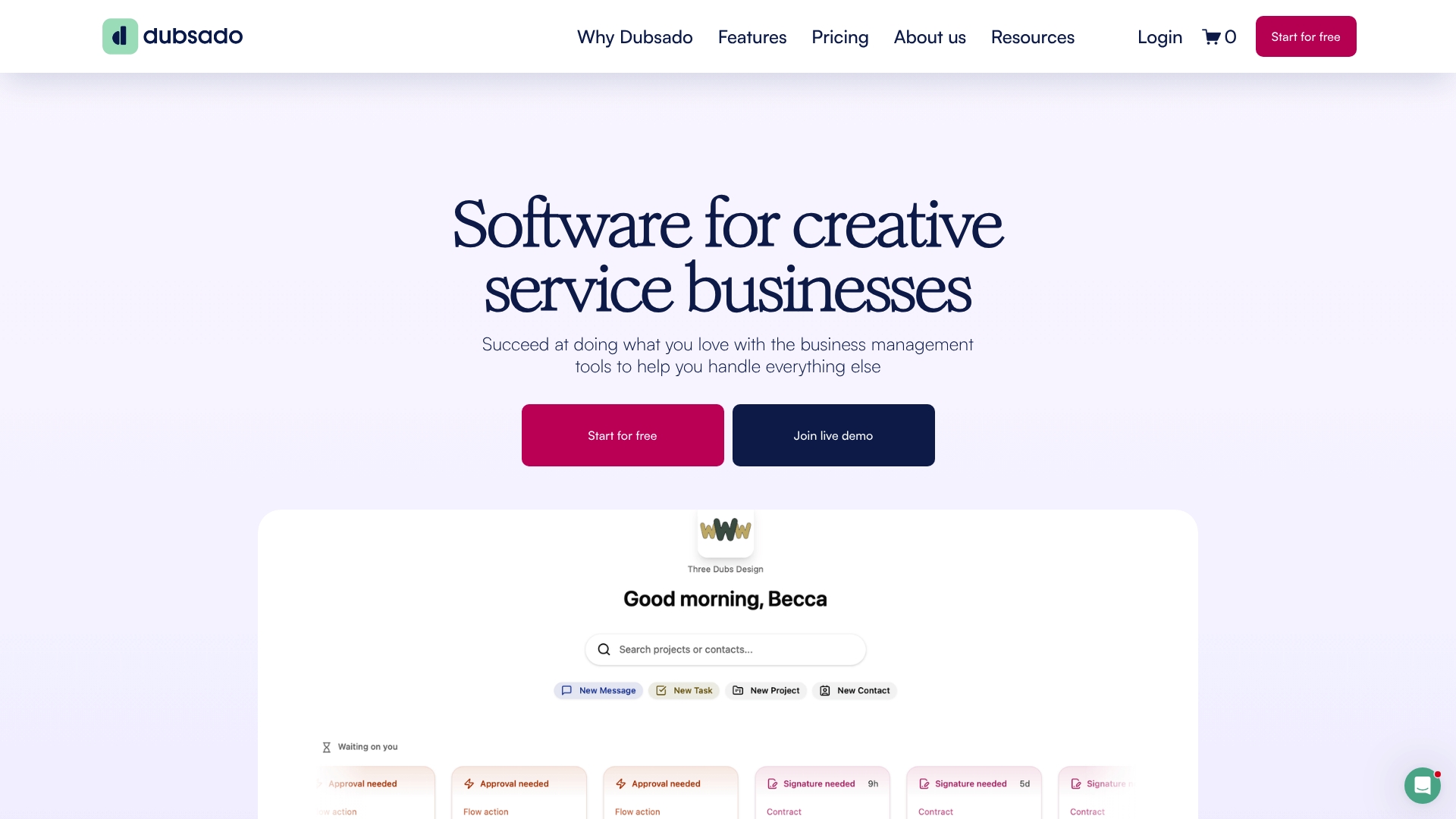
Dubsado reports being trusted by over 120,000 entrepreneurs worldwide. That scale shows up in a long feature list that covers invoicing, proposals, contracts, scheduling, client portals, and reporting. Creative service businesses often choose it because those features combine into repeatable client workflows that replace multiple single purpose tools.
Core Features
Dubsado groups client intake, proposals, and contracts with invoice and payment processing so you can manage a client from lead to payment in one place. The product includes lead capture forms, appointment scheduling, client portals, and reporting, plus workflow automation for recurring sequences of emails and tasks. Integrations include Zapier and bookkeeping connectors so financial systems and other apps can receive data from Dubsado.
Key Differentiator
Dubsado centers its product on creative service providers with configurable automation and client-facing portals that keep project steps visible to clients. The system lets you chain proposals, contracts, forms, and invoices into workflows that run on triggers such as a signed contract or a received payment. That approach targets photographers, designers, and coaches who need the same sequence repeated reliably across clients.
Pros
The product offers a broad set of functions tailored to client work for creatives, so you rarely need a separate quoting or invoicing app. Automation saves manual follow up by triggering emails, generating invoices, and opening client portal access when milestones complete. Integrations with Zapier, Stripe, QuickBooks Online, and Xero let you connect payments and bookkeeping without building custom scripts, and the vendor offers education and customer support to help users adopt advanced automations.
Cons
-
Pricing might be higher for larger teams or users who need advanced features. This can push growing teams to re evaluate cost per seat.
-
The interface can feel overwhelming for new users because the product exposes many settings and templates. New users report a learning curve when first configuring forms and workflows.
-
Some automation setup processes require technical understanding. Users without a systems mindset may need time or external help to build complex sequences.
-
Certain templates and workflows offer limited visual customization compared to template engines in some competing tools.
When It May Not Fit
Dubsado may be more than a solo creative needs if you only require basic invoicing and simple appointment booking. Teams that sell physical retail products will miss inventory and point of sale features because Dubsado focuses on service workflows. If you prefer minimal setup and zero configuration, the platform's automation depth can feel like unnecessary overhead.
Notable Integrations
- Zapier
- Stripe
- QuickBooks Online
- Xero
Who It's For
Dubsado fits creative entrepreneurs, freelancers, and small service businesses that run repeatable client processes such as proposals, contracts, and staged payments. You benefit if your work follows predictable steps that automation can handle. The product rewards users who invest time in templates and workflows to reduce repetitive admin.
Real World Use Case
A wedding photographer uses Dubsado to capture inquiries, send a proposal, issue a contract, schedule a session, and deliver an invoice. The workflow automatically opens the client portal after a signed contract so clients can upload files and view timelines. That setup cuts administrative hours and keeps client communications in a single place.
Pricing
The vendor lists a basic plan for startups and a premium plan with advanced automation for businesses that need scaling features. See the website for current plans and pricing.
Website: https://dubsado.com
Hubflo
At a Glance
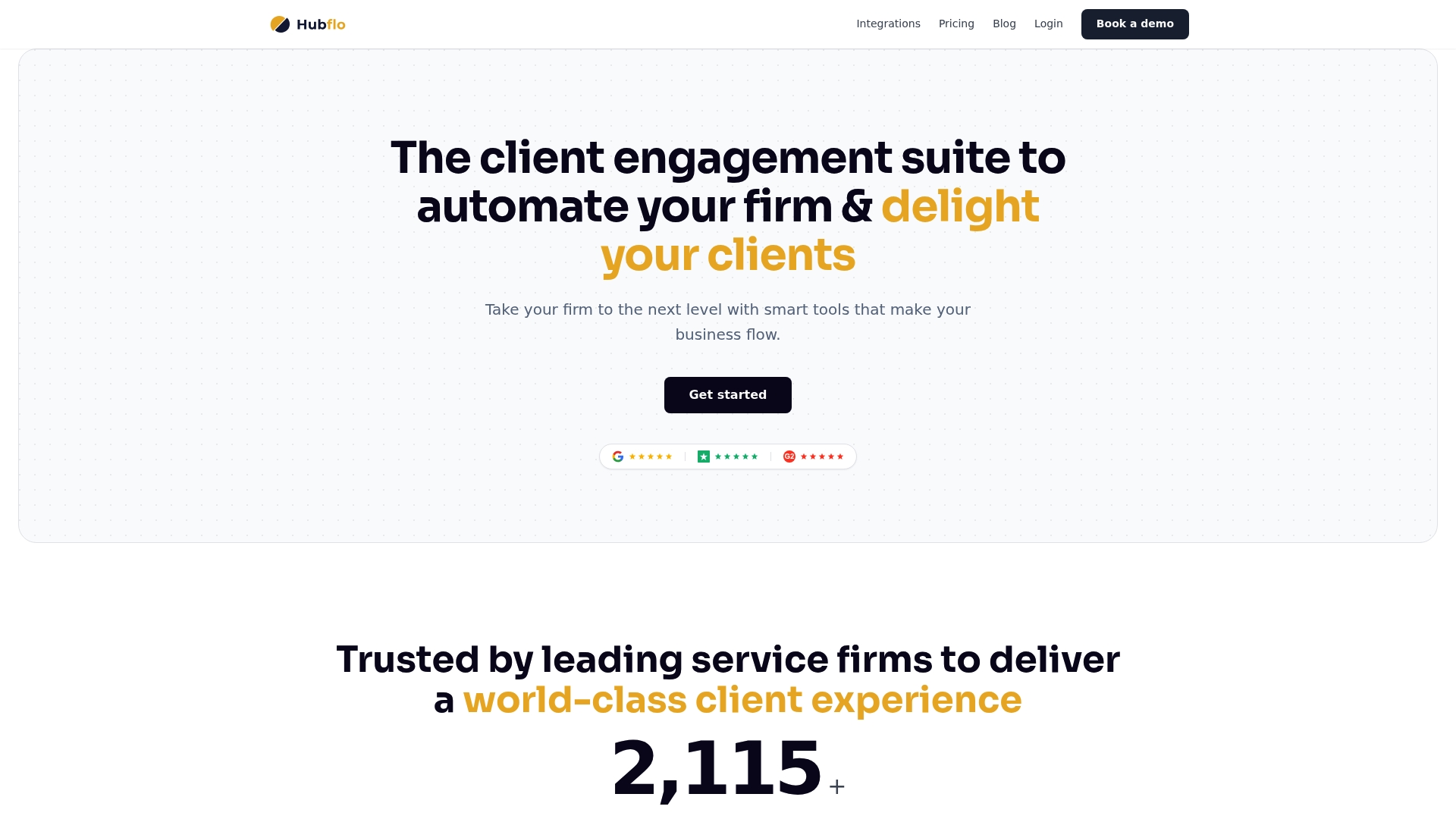
Hubflo reports it is trusted by thousands of service based businesses. The product combines branded client portals with onboarding forms and an automation builder that supports conditional logic. The vendor positions the interface as easy to set up and backed by support resources for new users.
Core Features
Hubflo centers on a client portal that supports secure file sharing, branded domains, and role based access for internal teams and clients. The platform includes onboarding software and a visual workflow and automation builder with conditional logic and workspace mapping. Hubflo also exposes API access and multi factor authentication for integrations and account security.
Key Differentiator
Hubflo pairs broad native connections with a flexible portal and automation workspace that nontechnical teams can configure. The combination of many out of the box integrations and a visual workflow editor reduces the need for custom code. That product focus makes Hubflo a strong fit for firms that prioritize a single portal and connected toolset.
Pros
Hubflo is straightforward to set up and the interface stays focused on client tasks and documents. The platform offers many native integrations, API access, and compatibility with third party automation tools, which helps connect email accounting and CRM systems. Support resources include a knowledge base, videos, and an online academy, and the vendor advertises responsive customer support and customizable onboarding. Flexible plans and a free trial let small firms test workflows before committing.
Cons
- Reviews and vendor materials highlight ease of use and support, but public feedback does not list specific feature gaps clearly. This makes it harder to judge edge case behavior.
- Pricing is tiered and appears aimed at growing firms, but the precise value compared with competitors is not spelled out. Buyers must compare feature sets closely.
- The documentation does not enumerate platform limits for very large workloads or concurrency, so enterprise scale will need a direct capacity review.
When It May Not Fit
Large enterprises with strict throughput or custom compliance needs should validate capacity and contractual terms before adopting Hubflo. Firms that require a deep time tracking or advanced project management module may find the portal focus limiting. Teams that need published SLAs for uptime or granular enterprise billing should request explicit terms.
Notable Integrations
Hubflo lists native connections to common business tools. Key integrations include Gmail, Outlook, HubSpot, Salesforce, Pipedrive, Slack, Microsoft Teams, and Zoom. These connectors simplify client communication accounting and CRM sync without constant manual exports.
Who It's For
Service firms and consultants who want a single branded client portal with onboarding and automation will find Hubflo relevant. Accounting firms legal practices and small consultancies that already use common CRMs and accounting software will benefit most. Independent professionals who value an integrated client facing workspace will gain immediate wins.
Real World Use Case
A mid sized accounting firm runs Hubflo to provide secure client portals, automate onboarding, and link client records to QuickBooks and Gmail. The firm uses automated notifications to reduce status emails and to push documents into client folders. That setup shortens manual follow up and centralizes client interactions.
Pricing
Hubflo starts at Starting from $67/month billed annually for the Starter plan. Higher tiers list at $142/month and $262/month with custom enterprise options and add ons available for larger deployments. Contact sales for precise enterprise pricing and feature bundles.
Website: https://hubflo.com
Agency Handy
At a Glance
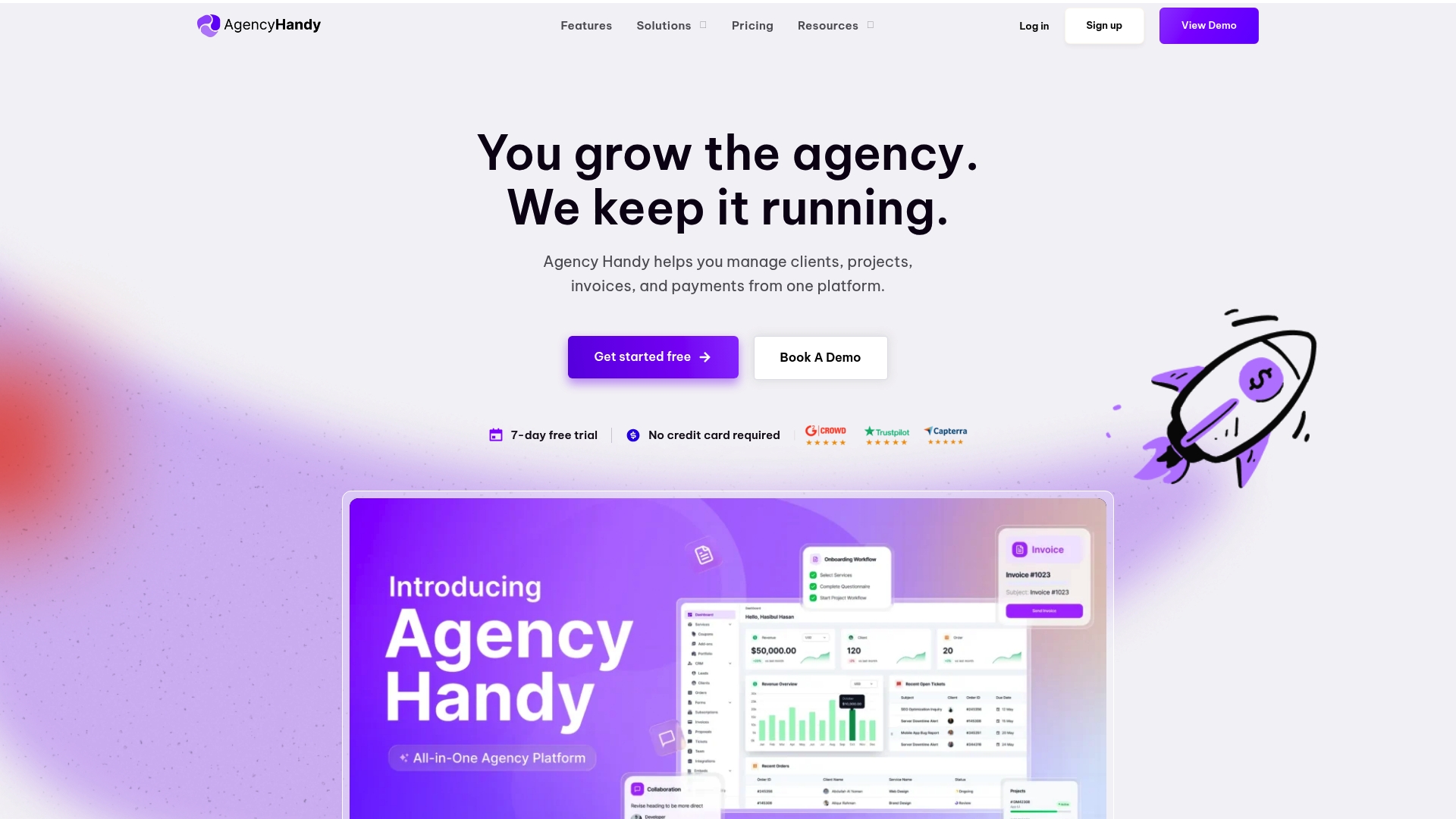
The vendor advertises a user base of over 100,000 customers. The platform offers a free trial that does not require a credit card, which lowers the barrier to test core workflows. Agency Handy targets service agencies and freelancers that sell packaged services and need integrated billing and client portals.
Core Features
Agency Handy combines a CRM with pipeline management and tools to productize services into packages, add ons, and pricing. Users can build intake, order, and public forms for client onboarding. Automated invoicing and subscription billing connect to Stripe, PayPal, Wise, and crypto payments, while project and task tools sit in the same account and client portals and invoices are brandable.
Key Differentiator
The platform focuses on service agencies by letting teams package offers, onboard clients, accept payments, and run projects from a single account. No coding is required to productize services, set recurring billing, or customize client-facing portals. That single account model reduces the number of separate vendor subscriptions needed by small teams.
Pros
Agency Handy consolidates CRM, billing, client portals, and project tracking into one interface, which cuts context switching for small teams. The interface is no code and accessible to nontechnical staff, and branding options let agencies deliver white labeled portals and invoices. That figure the vendor advertises suggests broad adoption and a sizable user community for peer support.
Cons
- Limited file uploads. The default cap starts at 1 GB and the vendor lists planned increases.
- Some features and integrations require higher tier plans or custom setup to access.
- Buyer reviews mention a need for more flexible media in service thumbnails, such as video or gif support.
When It May Not Fit
If your agency needs heavy media hosting or frequent large file transfers, the initial 1 GB upload cap will be limiting. Agencies that require many advanced integrations or custom development should plan for higher tier costs or additional engineering. Large teams that need extensive storage and granular enterprise controls may find the offering short of requirements.
Notable Integrations
- Payments: Stripe, PayPal, Wise, crypto payments
- Storage and productivity: Google Drive, Gmail, Notion
- Communication: Slack
Who It's For
Small to medium sized digital agencies and freelancers who want an all in one agency management system without technical complexity. Teams that sell productized services, run recurring billing, and use client portals will gain the most immediate value. Agencies with minimal engineering resources will appreciate the no code orientation.
Real World Use Case
A five person digital marketing agency packages its SEO and content services as fixed offerings. Clients fill intake forms and pay via Stripe, while projects, tasks, and invoices stay linked in Agency Handy. The agency cuts administrative overhead and gives clients a single place to track work and payments.
Pricing
Plans start at $29/month with a 7 day free trial and no credit card required. Tiered plans unlock additional storage, integrations, and team seats for larger agencies.
Website: https://agencyhandy.com
Comparison of alternatives
Balancing branding consolidation with automation depth distinguishes current client management systems. Each product caters to distinct workflows, emphasizing project ease, payment integration, or advanced automation capabilities.
Workflows and Customization
Dubsado excels in its automation features, offering detailed workflow customization that allows significant time savings on repetitive client communications and task management. Hubflo complements this with its visual workflow editor and conditional logic, streamlining onboarding while offering ease for nontechnical staff. RealClients focuses on unified user experience by keeping communications, files, contracts, and payments within branded portals. Professionals seeking to reduce fragmentation in work-processing tools may align this trait to their needs.
Integration and Scalability
When evaluating integrations, Hubflo supports broad compatibility, offering connections with tools like Gmail, Outlook, HubSpot, and Zoom—ideal for firms with interconnected client channels. Agency Handy adds CRM and pricing support, focusing on teams growing service packages and handling recurring payments. Each system targets scalability uniquely, with pricing adjustments reflecting available capacity and feature depth.
Best fit
- Creative professionals who want branding cohesion across client touchpoints: RealClients simplifies communication, contracting, and billing workflows by merging them into a unified, professional portal.
- Agencies desiring customizable automations and integration depth: Dubsado accommodates complex task sequences with precision, helpful for creative teams operating repetitive or multistage projects.
- Firms relying on diversified communication tools or extensive onboarding: Hubflo integrates effectively with CRM systems and offers accessible workflow development.
- Teams aiming to manage scalable pricing packages: Agency Handy specializes in service productization, offering subscription billing streamlined for invoice clarity.
Our pick
RealClients delivers threaded communication tied to files and tasks, consolidates client operations in an intuitive branded portal, and supports legally binding e-signatures alongside integrated payments. These features reduce tool fragmentation while maintaining a professional client-facing appearance. While competitors offer workflows and specific specialty tools, professionals managing communication and payments under centralized, branded systems will find RealClients advantageous.
Choose the best client management system by comparing key features, pricing, and tailored solutions to match your workflow needs.
| Product | Key Features | Pricing | Best For | Notable Limitation |
|---|---|---|---|---|
| Realclient | Branded client portal with e-signatures, payment processing, and file sharing | Free tier for 3 clients; Pro $12.99/month; Business $29.99/month | Freelancers and small studios desiring a branded, streamlined client system | Basic features for large or complex projects |
| Indy | Scheduling, contract creation, and invoice integration within a single workspace | Free tier; Pro $12.50/month billed annually | Freelancers managing contracts, invoices, and workflows | Limited data storage space in free plan |
| Dubsado | Automated workflows, templates, and extensive integrations | Price not published | Creative professionals and service providers focusing on proposal workflows | High learning curve for new users |
| Hubflo | Secure client portals with automation tools and API integration | Starting from $67/month billed annually | Service firms focusing on automation and branded workspaces | Enterprise-level specifics require direct evaluation |
| Agency Handy | CRM with project management and recurring billing tools | Starting at $29/month | Small to medium-sized agencies preferring no-code platforms | Initial file upload limit at 1 GB |
How to Solve Common Client Management Challenges with Realclient
Managing client communication, file sharing, contract signing, and payments across multiple tools can cause confusion and delays. Freelancers, designers, and small studios often struggle with scattered emails and separate platforms that slow down projects and payments. Realclient offers a branded portal where everything stays in one place, reducing miscommunication and speeding up client approval and invoicing.
Key advantages of Realclient include:
- Private, customizable client portals that strengthen your professional image
- Built-in legally binding e-signatures and integrated payment processing
- Simplified project milestones and client collaboration inside one platform
See how Realclient supports freelancers and small agencies by managing projects, contracts, and payments efficiently at Realclient. Try the platform’s free trial and set up a dedicated portal to organize your client projects and payments faster.
FAQ
What features make Realclient a strong choice for freelancers and small studios?
Realclient excels for freelancers and small studios by combining client communication, file sharing, contract signing, and payments into a single branded portal. The product includes built-in legally binding e-signatures, milestone tracking with automatic payments upon approval, and in-portal invoicing with integrated payments. You can easily streamline all these processes, enhancing your client management experience.
How does Indy compare to Realclient for freelancers?
Indy offers a project management workspace that keeps tasks, files, and client messages together, which is beneficial for freelancers managing multiple projects. Realclient focuses on providing a consolidated experience that includes e-signatures and integrated payments to simplify billing and contract processes. If your needs revolve around efficient invoicing and streamlined client interactions, Realclient may be the better fit.
What are the pricing tiers for Realclient compared to other platforms?
Realclient has a free tier that supports up to 3 clients and basic features, along with a Pro plan at $12.99/month for unlimited clients. This allows you to get started without upfront costs while exploring its features. In contrast, some competing platforms may charge higher fees for similar functionalities, potentially impacting your budget decisions.
Can I integrate Realclient with payment platforms like PayPal or Stripe?
Yes, Realclient supports integrated payments through platforms like Stripe and PayPal. This feature simplifies the payment process for you and your clients, allowing for quick and efficient transactions. Using integrated payment options helps maintain a professional appearance while reducing administrative overhead.
What security measures does Realclient provide for user data?
Realclient ensures data security with protocols like AES-256 encryption and TLS 1.3. These features protect your sensitive client information and payment data, providing peace of mind as you manage your client relationships in a secure environment.