
Keeping client communication, project updates, and payments in one place is complicated with traditional project management tools. Many platforms split messaging, file sharing, invoicing, and contract signing across separate systems or charge extra for unified branding and integration. This comparison details pricing, integrations, and usability so freelancers and small studios can match a client portal to their workflow without juggling disconnected tools.
Table of Contents
RealClients
At a Glance
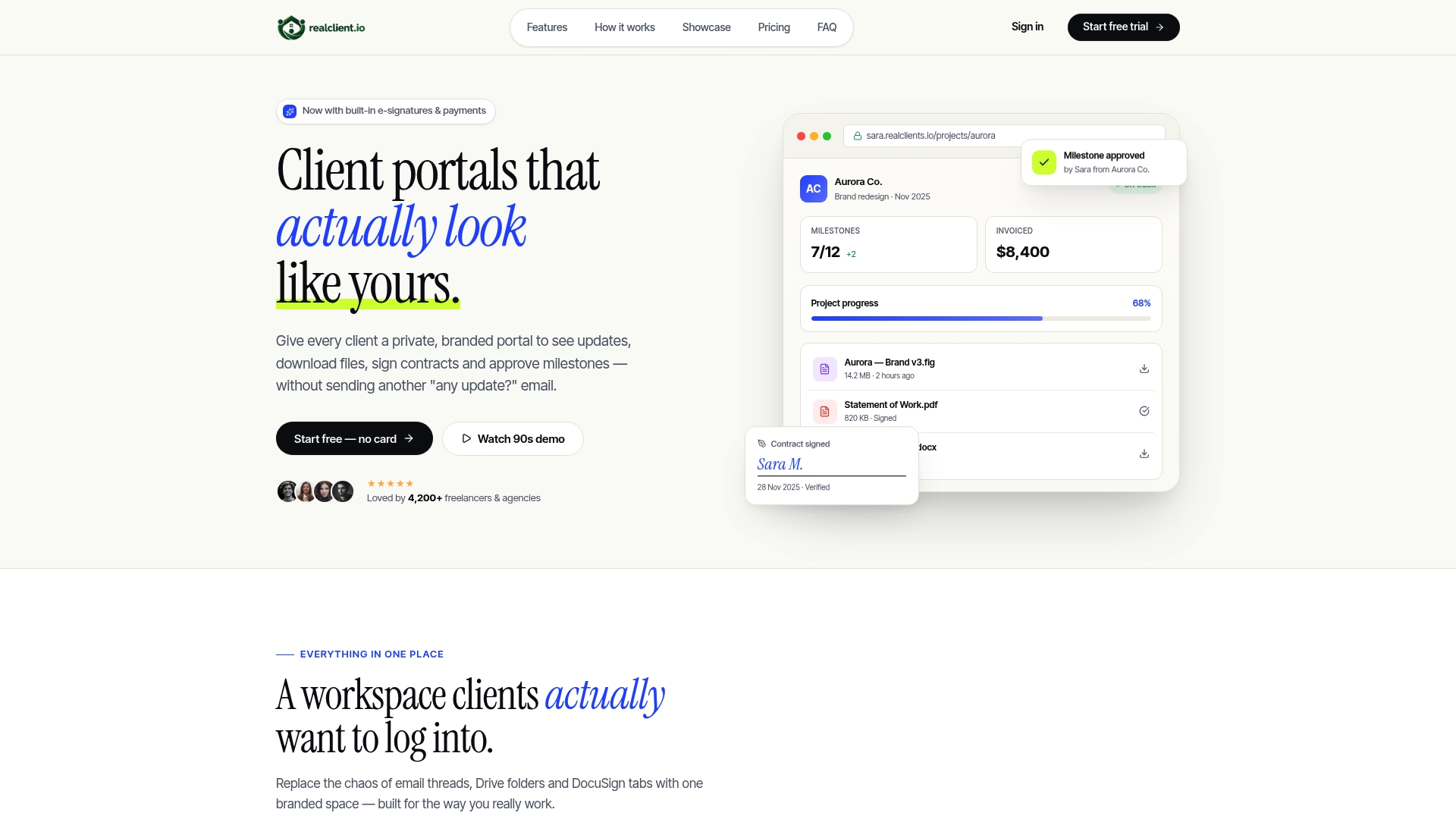
According to the company, over $48 million was invoiced through RealClients portals last year. The platform centers on private branded client portals where clients can view project updates, download files, sign contracts, and pay without bouncing between apps. That setup reduces scattered email threads and external file transfers for freelancers and small studios.
Core Features
RealClients places threaded messaging next to files and tasks so conversations and deliverables stay together. The platform includes built in e-signatures, plain English project timelines, invoicing and payments via Stripe and PayPal, file sharing with version history and no external links, analytics on client activity, and milestone tracking that can trigger payments automatically. The vendor advertises bank grade security with AES 256 encryption, TLS 1.3, and SOC 2 and GDPR compliance. The company states accounts can be live in about two minutes without onboarding calls.
Key Differentiator
RealClients markets itself as a single branded portal that replaces separate chat tools, file transfer services, proposal signing, and invoicing. That focus on one client facing space keeps branding consistent and reduces the number of vendor accounts you must manage. The combination of embedded payments and contract signing inside the same portal is what separates it from basic file or messaging apps.
Pros
RealClients consolidates multiple client management touch points into one place, which cuts the number of tools you maintain and share with clients. Custom brands and custom domains let you present a professional client experience without sending files from generic services. Built in e-signatures and inside payment processing remove friction from contract approvals and billing. Automated notifications, milestone tracking, and analytics help you follow client progress and revenue without manual chasing; that reported invoicing figure supports the platform level of adoption.
Cons
- Limited free tier with only 3 clients, which will require an upgrade for growing studios.
Notable Integrations
-
Stripe
-
PayPal
Who It's For
You if you are a freelancer, solo professional, or a small creative studio that wants a branded client portal for project, contract, and payment management. Teams that prioritize client presentation, faster approvals, and consolidated billing workflows will get the most value. You may outgrow it if you need deep task dependency planning for large, complex projects.
Unique Value Proposition
Private branded portals with embedded payment processing and legally binding e-signatures remove the need for separate invoicing and signing apps. Because RealClients charges no per client fees and does not take transaction cuts, you keep more revenue while presenting a single polished client interface. The ability to host under your own domain and keep files and messages in one place shortens administrative steps between proposal and payment.
Real World Use Case
A freelance designer shares mockups and files inside a branded portal, posts timeline milestones in plain English, sends a contract for signature, and invoices the client from the same dashboard. The client approves a milestone, the system flags the update, and payment processing happens inside the portal. That flow reduces back and forth email and speeds approvals.
Pricing
A free tier covers up to 3 clients. Paid plans start at $12.99/month and expand features and client capacity with no per client fees and no platform transaction cuts. The pricing model suits solo professionals and small studios that want predictable monthly costs for unlimited client access.
Website: https://realclient.io
TaxDome
At a Glance
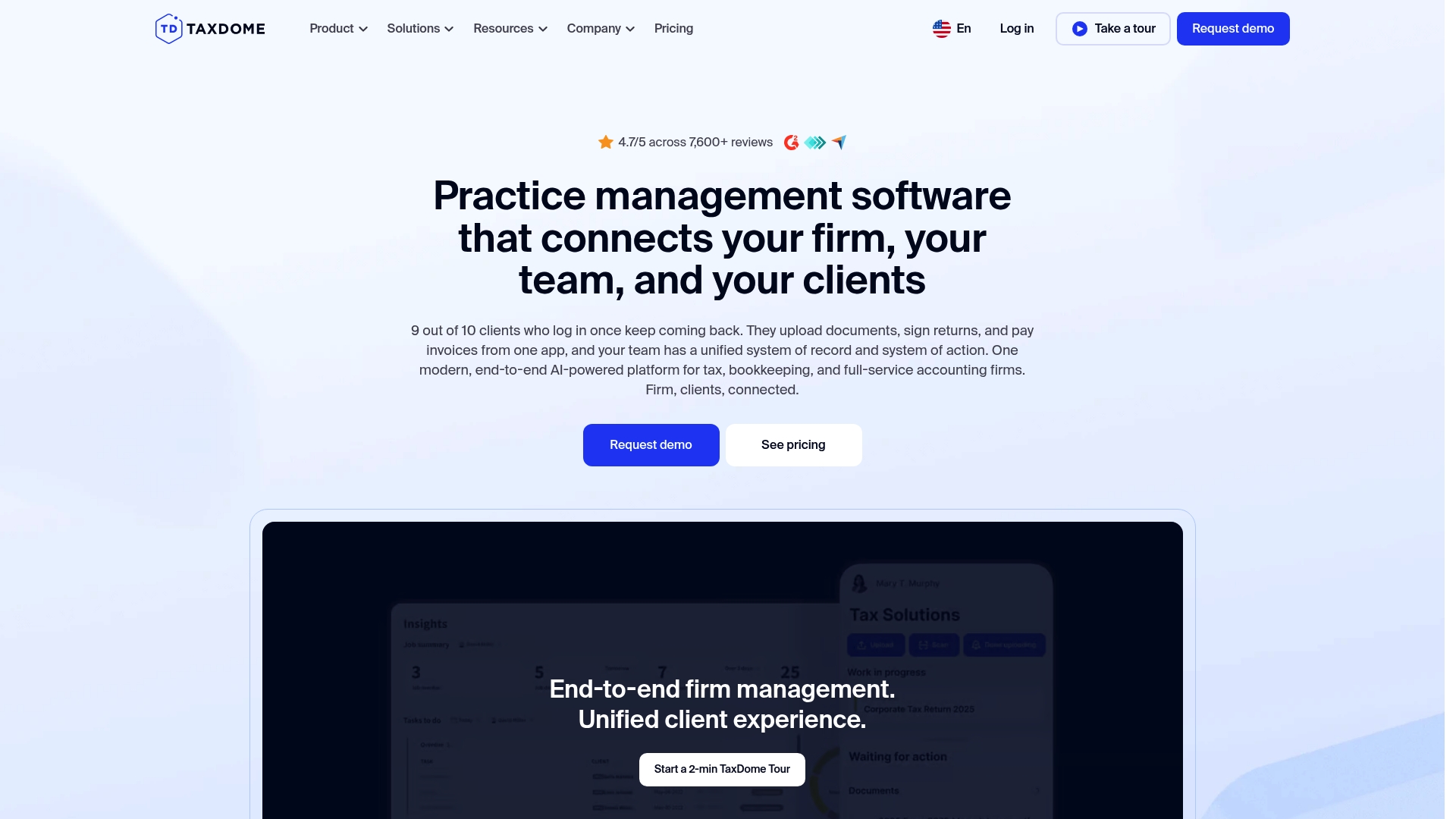
TaxDome reports a 4.7/5 rating from more than 7,600 reviews. Designed for tax, bookkeeping, and full service accounting firms, it focuses on client portals, secure communication, and end to end workflows. The product advertises strong security and an emphasis on improving client experience.
Core Features
TaxDome combines practice management automation with a unified client experience that includes client portals and a mobile client app. It offers workflow automation supported by AI and analytics alongside CRM tools for client relationships. Revenue operations cover invoicing and billing, with connectors to common payment processors.
Key Differentiator
The product groups client portals, workflow automation, AI analytics, and security into one unified system. That approach reduces the need to stitch together separate tools for onboarding, document exchange, and billing. The bundled nature is aimed at firms that prefer a single vendor for practice operations.
Pros
That rating suggests broad user approval for client experience and operational gains. The product scales from solo practitioners to multi office firms, which makes it usable as firms grow. Security and compliance features are emphasized and are a common reason firms migrate. Deep integrations and a dedicated mobile client app help with client communication and faster invoicing cycles.
Cons
- Pricing may be high for very small firms with only a handful of clients. This makes the platform harder to justify for occasional seasonal work.
- Some complex features require dedicated training to adopt effectively. Expect an onboarding period before teams run at full speed.
- A number of users report limited workflow customization. Firms with highly bespoke processes may hit configuration limits.
When It May Not Fit
If your firm runs a tight budget and serves only a small client base, that price point may not make sense. Teams without time or budget for training will struggle with advanced automation. Practices that require deeply custom workflows should evaluate customization limits before committing.
Notable Integrations
TaxDome connects to major accounting and tax tools including QuickBooks Online and tax programs such as Drake, CCH Axcess, and ProSeries. It also links to the IRS for transcript retrieval and supports Zapier for automation. Payment processing integrations include Stripe and PayPal.
Who It's For
Accounting, tax, and bookkeeping firms that want a single platform to manage clients, workflows, and billing will get the most from TaxDome. The product fits teams that plan to scale from solo to multi office operations. It suits firms willing to invest in training to unlock automation.
Real World Use Case
A regional CPA firm with 50 staff uses TaxDome to automate client onboarding and to centralize document exchange. The firm connects QuickBooks and IRS transcripts through the platform to reduce manual steps. Billing moved faster and client response times improved after migration.
Pricing
Plans start at $700/year per seat for solo practitioners, with tiered pricing for larger firms. Multi year contract options and custom packages are available for firms with multiple locations. Larger practices should request a tailored quote for full pricing details.
Website: https://taxdome.com
Socket
At a Glance
The vendor advertises plans starting at £20/month for up to 20 active clients. Socket focuses on proposals, engagement letters, billing automation, lead tracking, and price monitoring for accounting firms. That combination targets faster proposal turnaround and clearer fee alignment across client engagements.
Core Features
Socket offers branded proposal building that accepts multimedia attachments and tiered pricing options. The product includes customizable engagement and acceptance letters and links billing workflows to accounting software. It also provides lead tracking and fee monitoring to spot scope creep and protect profitability.
Key Differentiator
Socket is built specifically for accountants, combining proposal automation with client engagement and profitability monitoring in one platform. That alignment ties proposals directly to billing through integrations with practice systems. Firms get a single place to present offers, capture acceptances, and follow through with invoicing.
Pros
Highly customizable proposals let firms present tiered pricing and attach supporting files to clarify scope and outcomes. Integration with accounting software like Xero plus connectors for practice tools reduces duplicate data entry and speeds up billing. Users report time saving during onboarding and consistent support response, and the toolset supports fee monitoring and client communication in parallel.
Cons
-
Pricing may be relatively high for very small practices or firms with minimal active clients. Choose carefully if you maintain only a handful of billable relationships.
-
Limited public information about handling very large enterprise setups means complex firms may need to validate scale and limits before committing.
-
The platform requires an initial setup and learning curve for teams new to proposal automation, and some firms request onboarding help to use advanced features.
-
Subscription counts require active proposals or engagement letters to count toward limits, which can affect how you budget seat or client allowances.
When It May Not Fit
Socket may not fit practices that do not issue formal proposals or engagement letters regularly. Large firms with bespoke enterprise workflows should test scale and integrations before migrating. Small sole practitioners may find that that starting price is heavier than their current toolset justifies.
Notable Integrations
Socket connects to common accounting and practice tools to close the loop between sales and billing.
- Xero
- Dext
- Karbon
- Zapier
- Slack
- GoCardless
- Other accounting and practice management tools
Who It's For
Accounting and bookkeeping practices that need a proposal to invoice workflow will get the most value. Firms that want branded proposals, automated onboarding, and connected billing benefit quickly. The product suits practices looking to track fees and preserve scope across clients.
Real World Use Case
A mid sized accounting firm generates a branded proposal with tiered pricing during a prospect meeting. The firm sends a customizable engagement letter and, once accepted, pushes billing data through Xero. The team then uses price monitoring to adjust fees when scopes change.
Pricing
The vendor advertises the entry tier at that starting price of £20/month for up to 20 active clients. Plans scale with additional tiers and add ons for larger practices and extra features, with both monthly and annual billing options available.
Website: https://usesocket.com
Rodina Client Portal
At a Glance
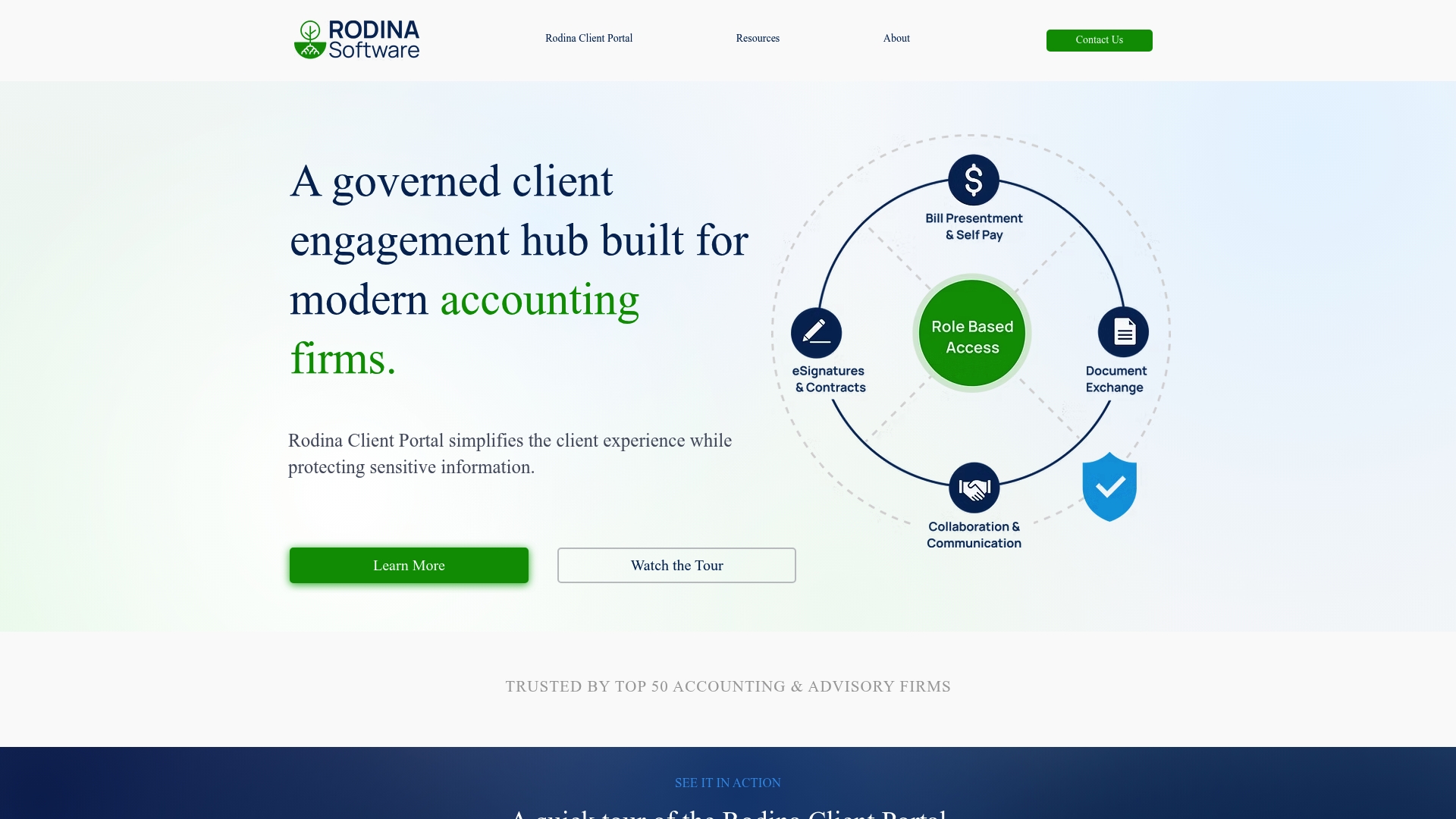
Rodina reports being trusted by top 50 accounting firms. The product emphasizes enterprise security and client billing tools tailored to finance practices. Its marketing highlights role based access, secure payments, secure document exchange, and detailed audit trails.
Core Features
Rodina focuses on client engagement for accounting and advisory teams with features for invoice presentation and payments, secure document storage and sharing, and eSignatures and contract management. The platform includes client messaging and collaboration tools that connect conversations to documents and billing records. Role based access control and audit trails aim to keep sensitive workflows segregated and traceable.
Key Differentiator
Rodina targets accounting firms specifically, combining finance oriented workflows with enterprise security controls. The product pairs invoice presentation and payment handling with client facing document exchange to keep billing and records in one place. That focus on accounting workflows separates it from generic client portals.
Pros
Rodina bundles client billing, document exchange, and eSignature functions into a single environment, which reduces the number of separate tools a firm must manage. Security claims include SOC 2, 256 bit encryption, and PCI DSS compliance, which aligns with typical audit requirements for financial data. The vendor emphasizes speed and a client experience built around accounting communication and approvals.
Cons
- Public third party reviews and detailed buyer experiences are not available, so external validation is limited.
- No detailed pricing is posted publicly, which makes budget comparisons difficult for prospective buyers.
- Several site pages returned 404 errors, suggesting the public site may not show the full feature or integration list.
When It May Not Fit
If your firm needs a public integration catalog or a transparent pricing page before vendor contact, Rodina may fall short. Teams that evaluate tools by third party reviews will find limited external commentary and evidence. Organizations that require an out of the box ecosystem of visible connectors should plan for vendor conversations to confirm compatibility.
Who It's For
Accounting, audit, and financial advisory firms that need a client facing portal with billing and document controls will find Rodina relevant. The ideal user handles sensitive financial records and requires role based permissions and audit visibility. Firms prioritizing compliance and client payments in one place will match the product profile.
Real World Use Case
A mid sized accounting firm uses Rodina to send invoices, collect payments, and exchange tax documents with clients. Account managers use the messaging tools to discuss items attached to specific files and track approval steps in the audit log. That workflow reduces manual emailing and keeps billing and documents tied to a single client record.
Pricing
Pricing is not publicly listed. The website lists product information and use cases but does not publish tiered rates or a starter price, so procurement requires direct contact with the vendor.
Website: https://rodinasoftware.com
Gabbian
At a Glance
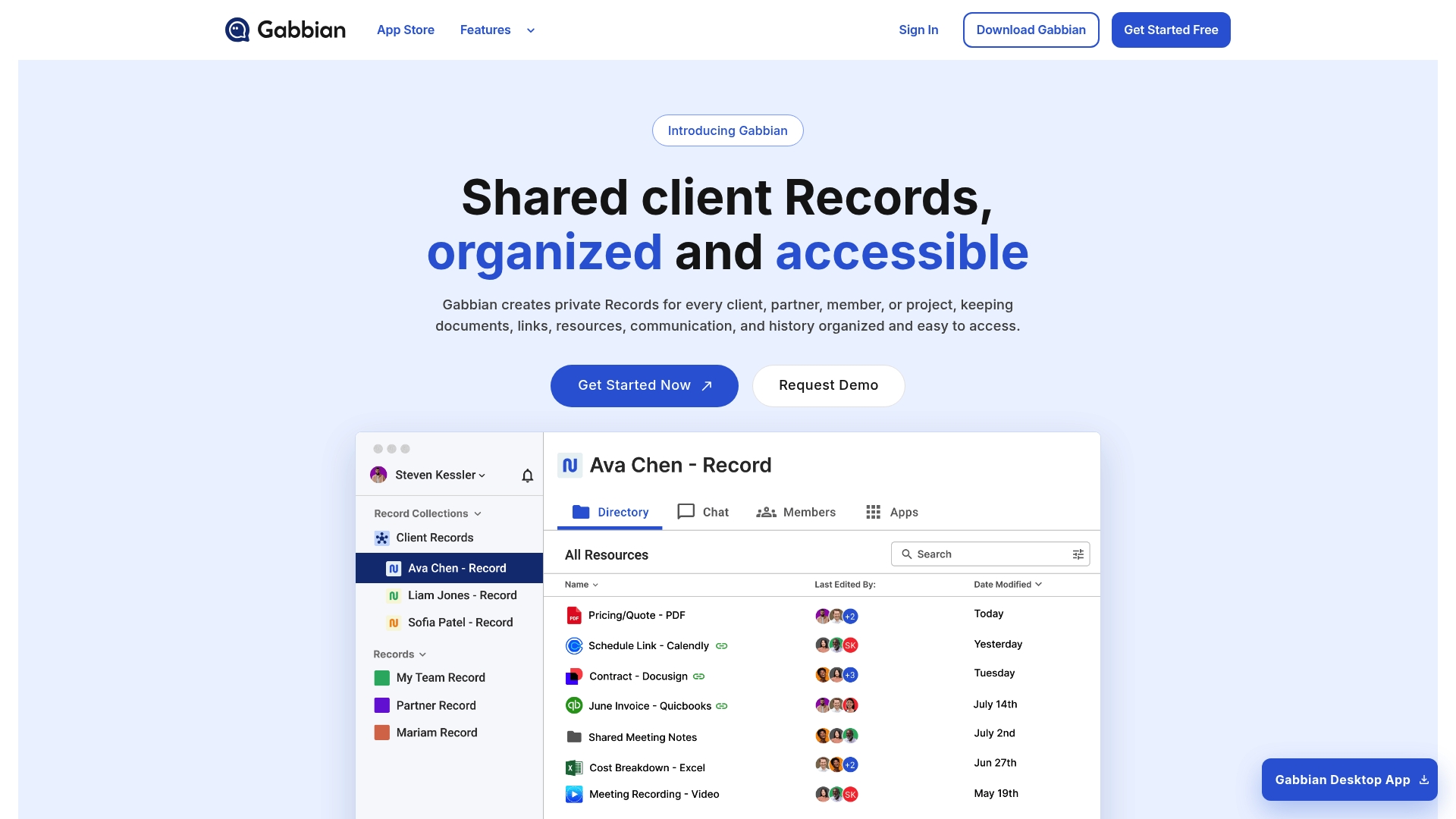
A universal access link directs anyone to the correct relationship record, removing link confusion for clients and partners. The system stores private, shared records that combine documents, messages, links, and history for each relationship. That single record model reduces buried context and speeds client follow ups.
Core Features
Gabbian builds one private record per relationship that holds files, conversations, and links, and it lets you group those records into collections for clients, projects, or teams. You can broadcast updates, forms, and messages across many records at once, and share a single universal access link that opens the right record. The Gabbian Appstore enables adding custom apps to extend record functionality.
Key Differentiator
Gabbian organizes around relationship records rather than nested folders. That focus keeps conversation, files, and status together for each client or partner. For teams that want a single place to view a relationship history, the record model cuts context switching and reduces misplaced documents.
Pros
Gabbian centralizes relationship data in one private record, which simplifies handoffs and client communication. The universal link makes sharing straightforward and avoids broken or ambiguous links. Bulk update and broadcast tools save time when you must send the same form or message to multiple clients. The pricing structure scales from a free personal tier up through enterprise options, which helps teams grow without swapping tools.
Cons
- Third party reviews point to limited advanced customization for complex workflows and triggers.
- Pricing may become costly for larger teams that require many enterprise features and capacity. That cost claim appears in vendor materials.
- Some users find the app ecosystem still developing, with fewer third party integrations than larger CRM platforms.
When It May Not Fit
Gabbian may not suit organizations that require deep, bespoke workflow automation or custom enterprise connectors. Teams with many legacy systems or on prem tools will likely need native connectors that Gabbian does not yet offer. If you need advanced rule builders or a large library of third party integrations, this product may feel restrictive.
Who It's For
Solo professionals, small teams, and startups that need tidy, shared client records will get the most value. Service providers such as realtors, consultants, coaches, and small agencies benefit from a single place to store contracts and messages. Teams focused on improving client experience without heavy engineering resources will find the model practical.
Real World Use Case
A real estate agent creates one record per buyer and seller that stores contracts, message history, videos, and invoices. The agent shares the universal link with clients so they can view documents and updates without searching email. That setup reduces administrative follow up and keeps client conversations attached to the correct case.
Pricing
Free plan for personal use with limited records and features. Starter Plan $20/month includes unlimited records and advanced analytics. Pro Plan $100/month adds unlimited records and dedicated support.
Website: https://gabbian.com
CaseLocker
At a Glance
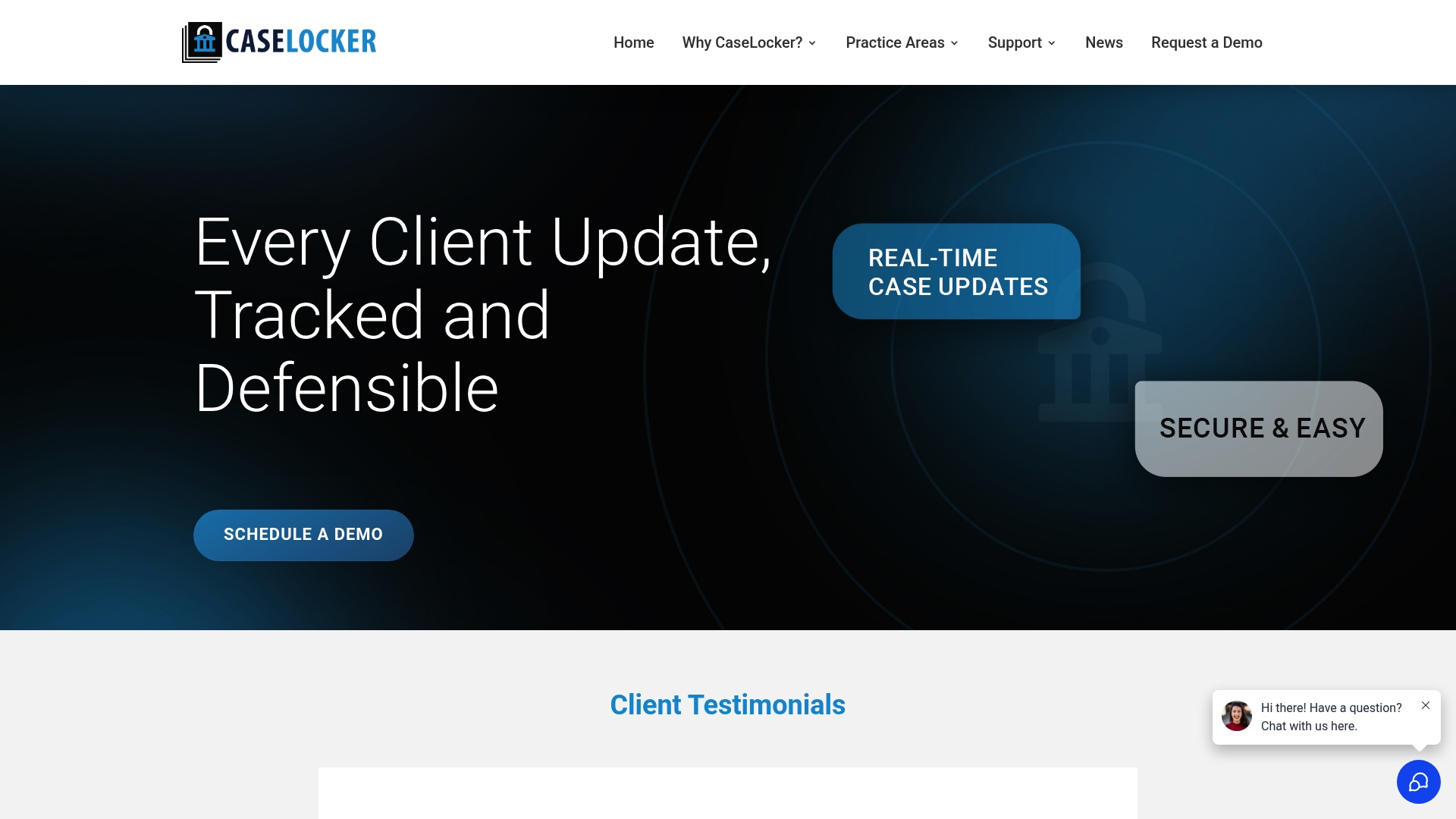
CaseLocker publishes a branded law firm app that firms can put in app stores so clients get a native mobile experience. The platform also exposes certified messaging and audit logs tied to each client interaction. Those features target high-volume personal injury and mass tort practices that need defensible records.
Core Features
CaseLocker bundles client-branded mobile apps, secure certified messaging, customizable legal intake forms, real-time case updates, and encrypted document uploads with version control. The platform includes an open API so firms can connect CaseLocker to existing practice management systems. Audit logs capture message delivery, form submissions, and document events for record keeping.
Key Differentiator
The vendor advertises court-compliant e-signatures combined with built-in audit trails as the feature that separates CaseLocker from generic tools. That combination makes records easier to present in court or regulatory reviews. The offering focuses on legal defensibility rather than only on task lists or billing.
Pros
CaseLocker brings legal-first capabilities you will not find in general practice software. It supports customizable forms and court-validated e-signature workflows that simplify client intake and document execution. Certified messaging increases traceability because messages include delivery and read receipts tied to audit records. The branded mobile app improves client access by putting case updates and uploads in a single, recognizable place. An open API lets technical teams integrate CaseLocker into a firm’s case management system.
Cons
-
Setup and configuration can be complex, and firms may need dedicated onboarding or training to map workflows.
-
Some advanced features sit behind premium pricing. Additional costs may apply beyond a base subscription.
-
Pricing is not publicly listed, which makes direct vendor comparison difficult for smaller practices.
When It May Not Fit
Small solo practices with minimal compliance needs may find CaseLocker heavier than necessary. Firms that prefer off the shelf billing and timekeeping without custom onboarding could face higher initial effort. Teams that need transparent published pricing before vendor engagement may find the lack of public rates a barrier.
Notable Integrations
CaseLocker lists deep API integration with major legal platforms. Notable connections include FileVine, Clio, MyCase, and SmartAdvocate. Those integrations support syncing client records and documents between systems.
Who It's For
Law firms handling mass tort, personal injury, workers compensation, or immigration matters that prioritize security and defensible client records will find CaseLocker relevant. The platform suits firms that need branded client access and are willing to invest in onboarding for compliance gains.
Real World Use Case
A personal injury firm used CaseLocker to centralize client intake, collect encrypted documents, and record certified messages about settlement steps. That workflow cut manual tracking and kept a clear audit trail for later court review.
Pricing
Not specified — likely custom based on firm needs. Firms should request a quote to learn whether pricing is per matter, per user, or bundled by feature set.
Website: https://caselocker.com
Comparison of alternatives
Choosing the most suitable client portal software depends on the specific requirements of your professional and operational needs. This analysis compares several alternatives, highlighting their strengths and weaknesses.
Compliance and security
Rodina leads in features catering to firms needing high levels of document security and regulatory compliance. It provides SOC 2 certification and PCI DSS compliance, aligning its offerings with practices handling sensitive financial data. Meanwhile, platforms like Gabbian, while effective for personal and small agency use, may not offer the same level of audited security features.
Workflow and client interaction efficiency
RealClients distinguishes itself by streamlining workflows through its unique integration: a centralized client portal complemented by embedded payment processing and legally binding contract features. This capability ensures communication and reduces fragmentation across project management tasks. In contrast, TaxDome provides automation features for accounting professionals looking for an integrated suite largely driven by artificial intelligence analytics.
Best fit
- Freelancers managing multiple branding projects will find RealClients’ portals and messaging tools for maintaining professionalism and organization.
- Mid-sized accounting firms requiring highly customized workflows will benefit from Socket's adaptability and scope monitoring tools.
- Enterprises with extensive client billing operations and secure document storage needs gain excellent utility from Rodina's compliance elements.
- Law firms prioritizing defensible audit trails and secure communication will derive distinct benefits from CaseLocker's legally compliant features.
- Growing teams needing scalable and user-friendly record management might consider Gabbian’s relationship-centric design.
Our pick
For businesses and professionals seeking a unified client management platform that prioritizes branding, efficient approvals, and integrated payment systems, RealClients provides a and targeted solution. Those requiring extensive custom workflows or specific industry-compliant features might explore platforms like Rodina or CaseLocker. However, RealClients excels in offering a streamlined experience tailored to creative and consultancy-based professions.
Consolidating communication, file management, and payment processing into a single platform can greatly simplify workflows for small to mid-sized firms. Below is a comparison of various client portal software options to assist in selecting the most suitable solution for your needs.
| Product | Core Feature | Key Differentiator | Best For | Pricing | Notable Limitation |
|---|---|---|---|---|---|
| RealClients | Branded portal for messaging, e-signatures, and payments | Combines payment processing and contract signing in one interface | Freelancers and small creative teams | Free for 3 clients, $12.99/month | Limited free tier to 3 clients |
| TaxDome | Unified client portal with workflow automation and mobile client app | Combined client management, workflow automation, and compliance | Accounting, tax, and bookkeeping firms | $700/year per seat | High cost for small firms with only a few clients |
| Socket | Proposal creation and billing automation for accounting firms | Integrates proposal, billing, and scope monitoring in a single solution | Accounting and bookkeeping firms | £20/month for 20 clients | High initial cost for businesses with few clients |
| Rodina Client Portal | Role-based client information access for finance professionals | Finance-specific workflows with advanced security and payment features | Accounting, audit, and advisory firms | Price not published | Lack of publicly available pricing and limited external reviews |
| Gabbian | Relationship-centric client records, universal access links, and app store | Focuses on relationship records to centralize communication and document storage | Service providers and small teams | $20/month Starter Plan | Limited advanced customization options for complex workflows |
Are You Looking for Karbon Alternatives That Simplify Client Collaboration?
Freelancers, realtors, and creative studios often face the challenge of juggling multiple apps just to manage projects, contracts, and payments. Realclient offers a private, branded client portal that brings all these tasks together into one clear platform. Clients can view updates, download files, sign contracts with built-in e-signatures, and pay directly without switching between tools. This reduces confusion and saves you time.

Experience how Realclient can cut down on scattered emails and speed up payments. Visit Realclient to create your branded client portal and see faster project approvals and smoother billing workflows all in one place. Try it risk-free and manage clients sharper and faster.
FAQ
What features make Realclient suitable for freelancers and small studios?
Realclient offers private branded client portals where clients can view project updates, sign contracts, and make payments—all in one place. This setup helps freelancers and small studios reduce scattered email threads and switch between apps for better project management. Consider using Realclient if you want a professional client experience and a consolidated platform for your workflow.
How does Realclient compare to TaxDome for accounting firms?
TaxDome is highly rated for features that specifically target tax, bookkeeping, and accounting needs, making it ideal for larger firms or those needing deep workflow automation. Realclient, on the other hand, focuses on providing a single branded portal that enhances client presentation and simplifies contract approvals. Depending on your firm's size and needs, either platform could effectively serve your operational requirements.
Can I trust Realclient with sensitive client information?
Realclient employs bank-grade security measures, including AES 256 encryption and GDPR compliance, to secure client data. This means you can confidently manage sensitive information without worry about data breaches or unauthorized access.
Which platform offers better invoicing features: Realclient or Socket?
Socket excels in proposal automation combined with lead tracking and fee monitoring, which may appeal to firms focused on accounting. In contrast, Realclient integrates invoicing with contract signing and payments in one portal, providing a streamlined process specifically designed for freelancers and small studios. Assess your specific requirements to choose the one that aligns with your workflow.
What is Realclient's pricing structure for clients?
Realclient starts with a free tier that covers up to three clients. Paid plans begin at $12.99/month, which allows freelancers and small studios to access unlimited clients without incurring extra fees. This predictable pricing model makes budgeting for client management straightforward.