
Managing contracts, files, and billing across disconnected tools wastes time for freelancers, agencies, and creative studios. Many platforms lack true branded client portals or force users to juggle external payment, file, and signature tools. This guide shows four alternatives with integrated portals so you can select a platform that keeps client payments, approvals, and files in one workspace.
Table of Contents
RealClients
At a Glance
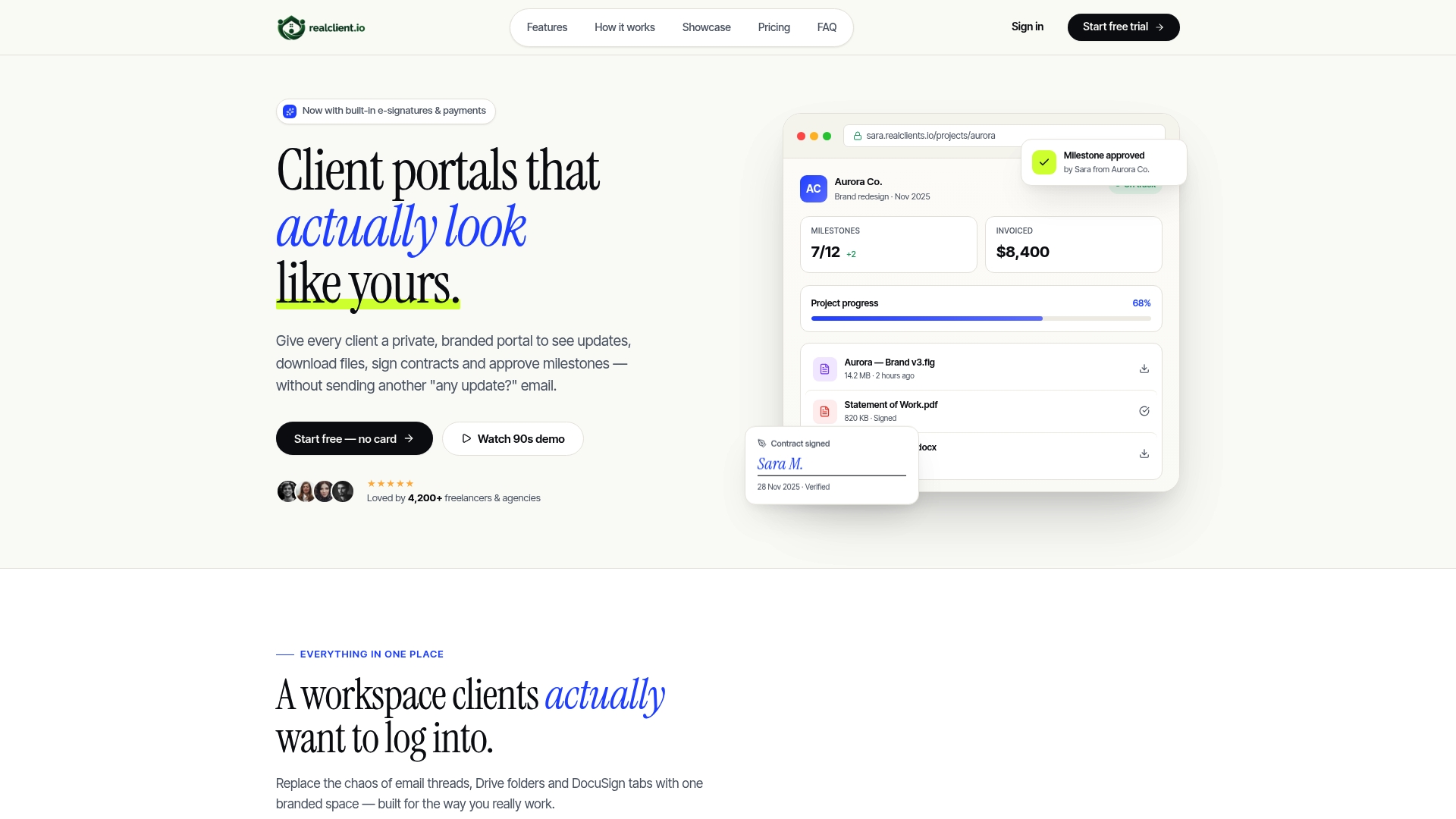
RealClients reports over $48 million invoiced through its portals last year. The product bundles private branded portals with built-in e-signatures and payments. Setup is instant and it connects to Stripe and PayPal for client billing.
Core Features
RealClients centralizes threaded messaging, file sharing with version history, and plain-English project timelines so clients see progress in context. The platform includes built-in e-signatures with audit trails, branded invoicing, and integrated payments via Stripe and PayPal. Portals support custom domains and colors, which keeps contracts, milestones, and invoices inside a single branded workspace.
Key Differentiator
RealClients pairs legally compliant e-signatures with automatic project status updates inside a branded portal. That combination reduces the number of handoffs between proposal, approval, and billing. The focus on portals that look like your brand shortens the client experience from first contact to payment.
Pros
RealClients keeps client conversations, files, contracts, and invoices in one place so you avoid scattered external links and lost emails. The platform advertises a two-minute setup with no onboarding required, which helps busy freelancers get started quickly. Integrated payments inside each portal reduce friction for clients and help speed collections. Branded portals give creative studios a professional face when sharing deliverables and asking for approvals.
Cons
- Buyer access relies on magic links, which some clients might find inconvenient if they prefer creating permanent logins.
Notable Integrations
RealClients connects directly to Stripe and PayPal for payment processing. The product also supports bank transfer payments within portal invoices. No other third-party integrations are listed.
Who It's For
This product fits freelancers and small creative studios that want a single client-facing workspace for contracts, files, and billing. It suits people who value branded presentation and faster payment flows. Larger teams with complex project management needs may find the feature set too lightweight.
Unique Value Proposition
Integrated payments inside each client portal let you collect without sending separate invoices or payment links. That single detail removes common friction points between proposal acceptance and invoice payment. The economic effect is fewer steps for the client and a shorter path to cleared funds in your account.
Real World Use Case
A freelance web developer shares mockups, tracks milestone approvals, sends the contract for signature, and invoices the client from one branded portal. Clients sign with the portal e-signature, approve milestones in plain-English timelines, and pay with their preferred processor. The result replaces scattered emails and speeds the delivery to payment cycle.
Pricing
Plans include a Free tier and paid tiers: Pro $12.99/month and Business $29.99/month billed monthly. Annual payment options exist and a 14-day free trial is available with no credit card required initially.
Website: https://realclient.io
ManyRequests
At a Glance
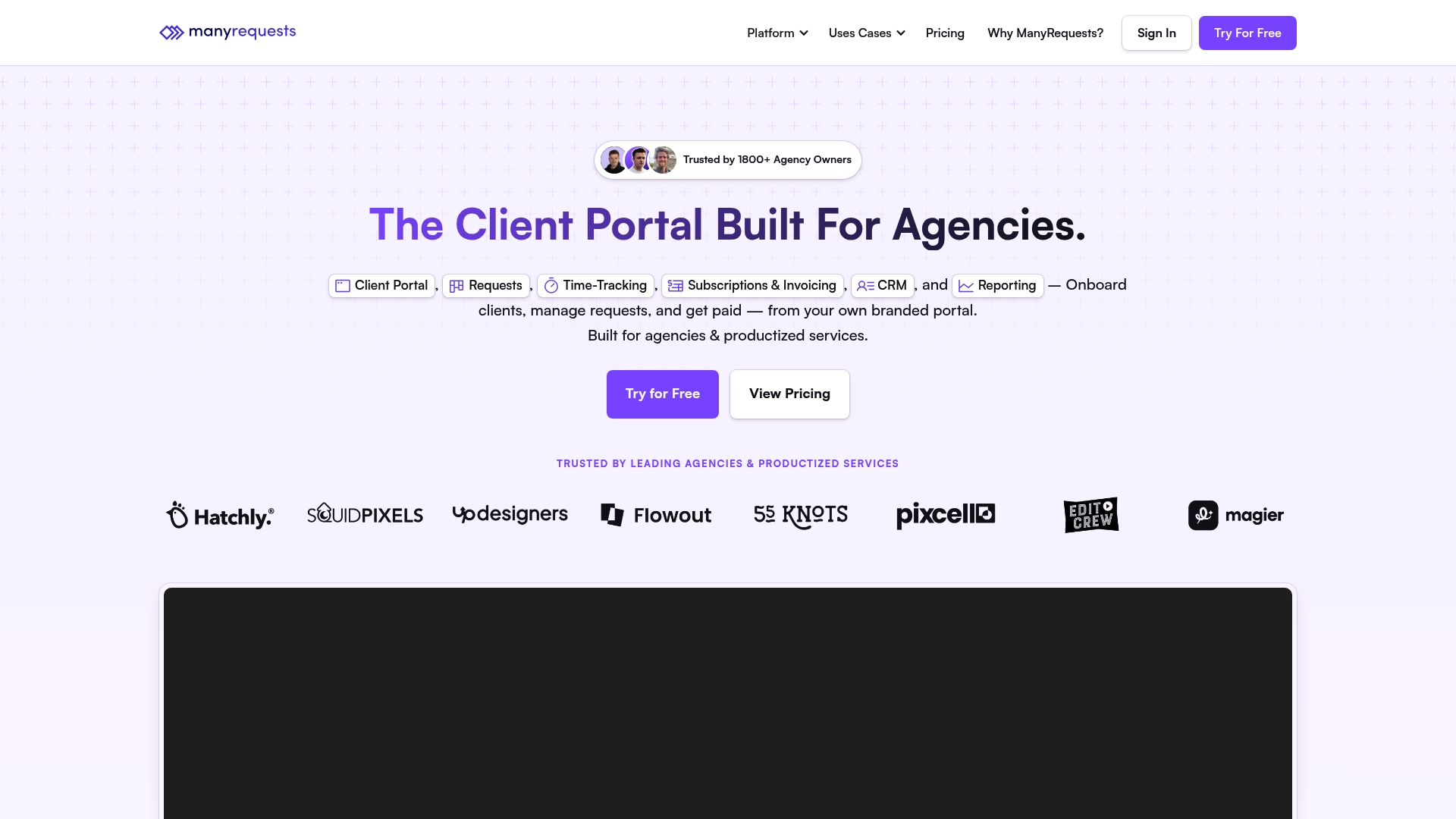
Plans start at $39/month when paid annually. ManyRequests targets agencies and productized services with white label portals and integrated billing. It bundles request forms, time tracking, invoicing, and CRM into one branded client workspace.
Core Features
The platform includes a client portal for branded onboarding, customizable request forms, and file sharing. Time tracking ties directly to billing, and the CRM stores client profiles plus communication customizations using custom CSS. Analytics, API access, and enterprise onboarding are available on higher plans.
Key Differentiator
ManyRequests centers on agency workflows and white label portals rather than generic project tools. Its request management links intake forms to billing and collaboration inside a single branded space. That focus helps agencies replace multiple point tools and keep client work in one place.
Pros
Pay as you go pricing and unlimited client connections make it straightforward to add smaller retainer clients without buying extra seats. Strong branding controls let agencies present a private portal that matches client expectations and reduces email back and forth. Integrated time tracking that connects to invoicing cuts reconciliation steps and keeps billing aligned with the actual work logged. Users report easy onboarding and platform stability for routine tasks, though some reviews mention inconsistent support and occasional bugs.
Cons
- Support responsiveness varies. Some users report slow or inconsistent replies that disrupt urgent work.
- Occasional bugs affect reliability. Reports include intermittent platform instability that can interrupt client deliverables.
- Cancellation can be slow or cumbersome. That may complicate long term planning for agencies moving platforms.
When It May Not Fit
Avoid this platform if stability is a core requirement for mission critical client work. Teams needing a guaranteed rapid support SLA should look elsewhere because support responsiveness varies per the vendor reports. Large enterprises that require dedicated uptime guarantees and white glove support will need the enterprise plan or a different provider.
Who It's For
Agencies and productized service providers who want branded client portals and integrated billing get the most value. Creative teams handling design, Webflow, video, or 3D projects benefit from request forms and revision workflows inside one portal. Small agencies that manage many small clients will like the pay as you go approach.
Real World Use Case
A digital marketing agency uses ManyRequests to onboard clients through branded portals and capture project briefs with custom forms. The team tracks hours, links them to invoices, and closes monthly billing cycles without juggling separate time sheets and billing tools. Automated invoices go out when hours are approved, which reduces manual billing tasks.
Pricing
Plans start at $39/month when paid annually, and a free trial is available. Higher tiers add API access, enterprise onboarding, and custom enterprise pricing for larger teams.
Website: https://manyrequests.com
Wayfront
At a Glance
Wayfront links Claude and ChatGPT into agency workflows through an MCP connector, enabling multiengine AI automations inside projects. As one of the Plutio alternatives, it targets productized service agencies that need billing, CRM, and project delivery in one tool. The vendor positions this option for agencies aiming to white label client portals and scale automated workflows.
Core Features
Wayfront bundles client relationship management with project and task tracking, a form builder that applies conditional rules, and billing tools that handle payments. The platform includes the Wayfront AI Assistant for triggerable automations and connects to external AI models for faster content and decision workflows. Teams get client portals and resource management aimed at running many similar service packages at scale.
Key Differentiator
Wayfront centers its value on built in AI workflows plus white label client experiences tailored for service agencies. That combination pushes routine onboarding and reporting into automated pipelines while keeping agency branding on client facing portals. The vendor markets this as a single replacement for multiple specialty tools.
Pros
The platform offers detailed project and resource management that helps you track dozens of concurrent productized engagements. Client portals are functional and support branded touch points for reporting and approvals. Integrations with marketing and payment platforms reduce tool switching, and AI assistant features can remove repetitive setup and handoffs.
Cons
- Steep learning curve and a complex interface may slow adoption for small teams.
- The user interface feels outdated and can confuse new designers and account managers.
- Dashboard customization is limited compared with specialist reporting tools.
- Occasional glitches and bugs have been reported by customers.
- Cost can be relatively high for agencies with a small client base.
When It May Not Fit
If your agency relies on a highly modern, minimal UI for client demos, Wayfront may frustrate presentation needs. Small one person shops will likely find the feature set excessive and the price heavy. If you need deep dashboard customization or near flawless stability, this product may not match those priorities.
Notable Integrations
- Claude
- ChatGPT
- Stripe
- PayPal
- ActiveCampaign
- MailChimp
- AgencyAnalytics
- Google Analytics and Tag Manager
Who It's For
Productized digital marketing and creative agencies that sell repeatable packages will get the most value. Teams that run many similar campaigns and want branded client portals, automated onboarding, and AI assisted workflows should consider it. Larger agencies with dedicated onboarding resources will handle the learning curve better.
Real World Use Case
An SEO agency uses Wayfront to capture leads with forms, run automated onboarding, assign tasks to specialists, and collect payments in the same portal. Automated reports push status updates to clients and free account managers from manual reporting. The result is more predictable delivery and clearer client visibility.
Pricing
Pricing starts at $99/month for the Base plan, with higher tiers offering more seats and additional features. Detailed tier limits and seat counts are listed on the vendor site.
Website: https://wayfront.com
Zendo
At a Glance
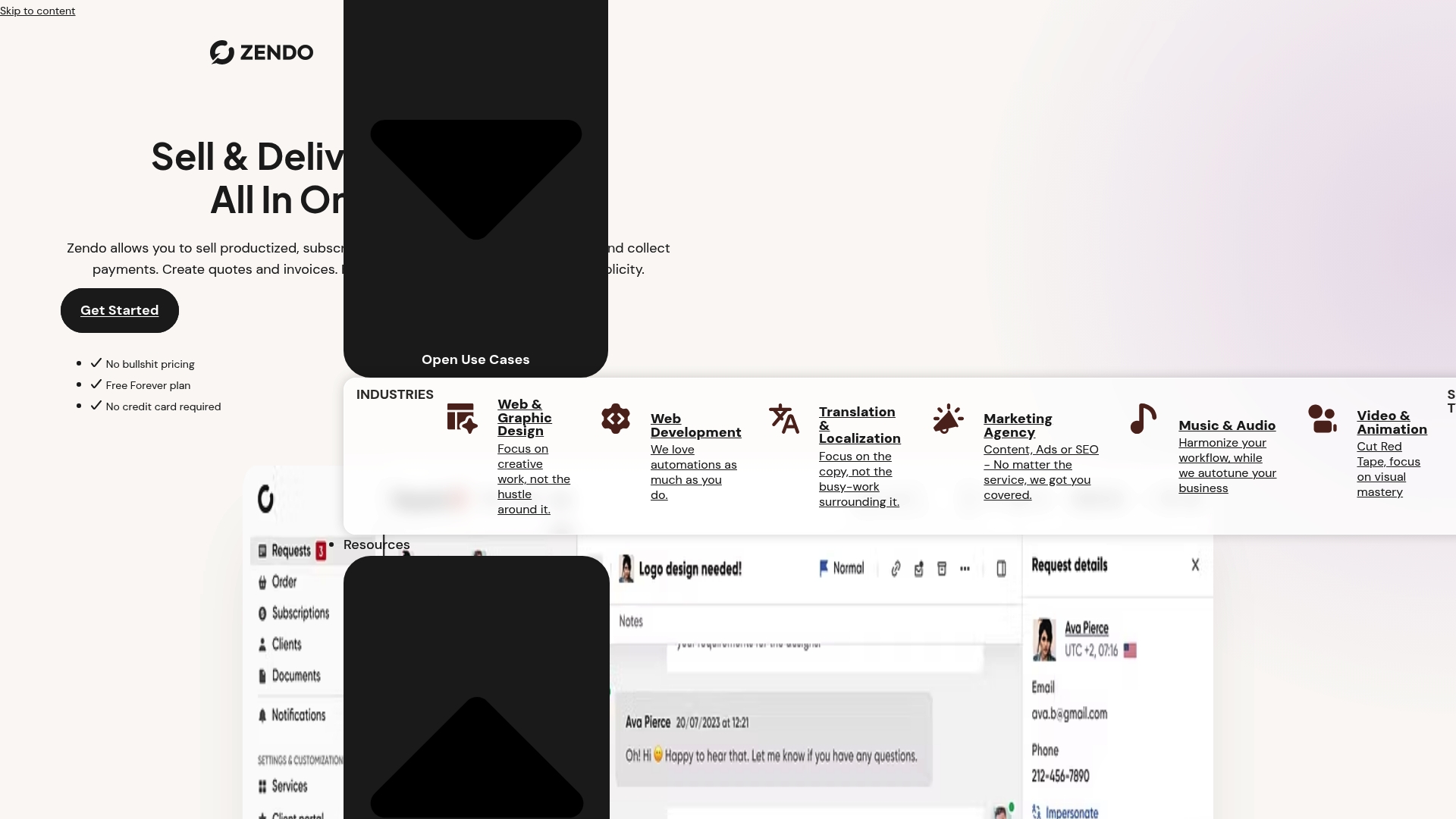
Zendo offers a free Essential plan alongside paid tiers starting at $25 per month. The platform focuses on a branded client portal where agencies can sell productized, subscription, and custom services. Setup aims to be fast so teams can move from onboarding to billing without juggling separate tools.
Core Features
Zendo provides a white label client portal with custom branding and a custom domain, plus client dashboards and team management. You can sell productized, subscription, and custom services with fully customizable order and request forms, multi step checkout, and conditional logic. Billing features cover automated quotes, invoices, and payment requests, with Stripe support and bank transfer options for payments.
Key Differentiator
Zendo centers on combining service selling and client-facing portals under one brand. That focus gives agencies control over how offers and invoices appear to clients. The approach suits teams that want the client experience to live entirely on their own domain rather than a third party interface.
Pros
The interface is clean and easy to learn, so small teams spend less time training. Centralizing requests, chat, files, and billing in one portal cuts back on email and scattered documents. Custom branding and domain options make client-facing materials look professional. Automation covers follow ups, reminders, and conditional triggers, which reduces routine manual work. Support for productized and subscription models lets agencies test packaged offerings quickly.
Cons
- Switching between multiple accounts or client contexts is awkward for teams that juggle many brands. This slows workflows for agencies with several active businesses or reseller arrangements.
- Integrations beyond Zapier and Stripe are limited, so power users who need deep native connections may find gaps. Upcoming webhooks and APIs are noted but not yet widely available.
- Some users report lag and sluggishness with larger data sets, which can affect pages that show many files or long message threads.
When It May Not Fit
Zendo is not ideal for very large enterprises that need advanced integrations, custom APIs, or fine grained permission controls. Agencies that require heavy automation across dozens of tools will likely outgrow the available integrations. Teams that frequently switch between many separate accounts will find the UI cumbersome.
Notable Integrations
Zendo connects to Zapier for no code automations and to Stripe for payment processing. These links cover common automations and card payments. The product also advertises upcoming webhooks and API support for deeper connections.
Who It's For
Service businesses, creative agencies, and consultants who want a branded client experience will find Zendo a natural fit. It suits teams selling packaged or recurring services that need a single place for onboarding, delivery, and billing. Solo consultants who want a polished client portal without heavy technical setup will also benefit.
Real World Use Case
A digital marketing agency uses Zendo to onboard new clients with a tailored request form and branded portal. The team manages requests and file exchange inside client dashboards, runs chat for quick clarifications, and automates invoices after milestones. Clients pay via Stripe from the agency’s domain, keeping the relationship fully branded.
Pricing
Zendo offers a free Essential tier and paid plans that start at $25 per month for Core, $49 per month for Pro, and $79 per month for Agency. Plans are available monthly or annually with discounts, and they add more customization, storage, automation, and team seats at higher tiers.
Website: https://getzendo.io
Comparison of alternatives
When evaluating client portal software, it's crucial to weigh distinct advantages such as workflow simplicity and technical features tailored to individual team needs.
Integration of workflow features
RealClients excels in offering a streamlined, branded experience by combining invoicing, file sharing, and project timelines into a unified interface, reducing overhead for freelancers and small studios. Conversely, Zendo's intuitive interface simplifies the learning curve for teams and supports onboarding through customizable forms, making it ideally suited for those currently transitioning to packaged service models.
Advanced capabilities for scaling
For agencies managing multiple client operations, ManyRequests provides tools tailored to handle extensive projects, with integrated time tracking that ties directly to invoicing and expansive analytics on higher-tier subscriptions. Meanwhile, Wayfront distinguishes itself by embedding AI automation with tools like Claude and ChatGPT, which streamline repetitive client-facing tasks, enabling service scalability and efficient delivery.
Best fit
- Freelancers and small creative studios needing efficient branded portals with straightforward payment integration will find RealClients most suitable.
- Larger teams requiring tailored functionality and detailed analytics might prefer the expanded features of ManyRequests.
- Agencies interested in incorporating advanced AI-powered workflows and handling high-scale repetitive tasks will benefit from Wayfront.
- Teams and solo consultants newer to such tools and focusing on accessible pricing and ease of adoption will appreciate Zendo's straightforward feature set.
Our pick
RealClients suits freelancers and studios prioritizing branded client interactions and streamlined workflows within a single platform. While other options shine in their advanced integration capabilities or targeted functionalities, RealClients uniquely balances interface simplicity, responsiveness, and adoption within smaller, personalized teams.
Choosing the right client portal software depends on its ability to streamline communication, facilitate transactions, and showcase your brand's professionalism.
| Product | Core Feature | Key Differentiator | Pricing | Notable Limitation |
|---|---|---|---|---|
| Realclient | Branded portals with e-signatures, billing | Integrated e-signatures and payments | Free, Pro $12.99/month, Business $29.99/month | Login via magic links required for clients |
| ManyRequests | Branded portals for agencies | Agency-focused workflows | From $39/month | Support responsiveness and platform stability issues |
| Wayfront | AI-driven agency management | AI integrations in workflows | From $99/month | Complex interface with steep learning curve |
| Zendo | White-label service portals | Branded service packaging | Free, Core $25/month, Agency $79/month | Limited integrations for advanced use cases |
Finding a Client Management Solution That Matches Your Workflow
The search for effective plutio alternatives often centers on reducing scattered emails and speeding up payment cycles. Realclient offers freelancers and small creative studios a private, branded portal that keeps client conversations, files, contracts, and invoices all in one place. This setup cuts the back-and-forth common with multiple tools and supports integrated e-signatures and payments through Stripe and PayPal.

See how Realclient simplifies your client management with quick setup and built-in billing on your own branded portal. Visit Realclient and start your free trial to send contracts, share updates, and collect payments from one streamlined workspace.
FAQ
What features make Realclient suitable for freelancers and small creative studios?
Realclient provides an integrated client portal that centralizes threaded messaging, file sharing, and plain-English project timelines. This functionality enables freelancers to keep client conversations, files, contracts, and invoices in one place, which helps avoid scattered links and lost emails.
What is the difference between ManyRequests and Realclient?
ManyRequests excels with its white label portals and customizable request forms tailored for agency workflows. In contrast, Realclient focuses on providing a single client-facing workspace with integrated payments, which is ideal for freelancers who value branded presentation and speedier payment flows.
How does Realclient handle client billing and invoicing?
Realclient includes integrated payments through Stripe and PayPal, allowing users to collect payments without sending separate invoices. This approach reduces friction for clients, making the payment process simpler and quicker.
Can I customize the branding of my client portal in Realclient?
Yes, Realclient supports custom domains and colors for branded portals, which keeps contracts, milestones, and invoices within a single branded workspace. This feature is essential for freelancers looking to present a professional face to their clients.
What is the pricing structure for Realclient?
Realclient offers a free tier alongside paid plans at $12.99/month for Pro and $29.99/month for Business when billed monthly. Users can explore the free tier to determine if it meets their needs before committing to a paid plan.