
Juggling projects, billing, and client communications across different platforms wastes time and creates confusion for freelancers and small creative studios. Many client portal tools lock essential features like billing, branding, or client limits behind paywalls or restrict growth with low-tier user caps. This comparison highlights three Bonsai alternatives so you can match a client portal to your workflow, automation, and client volume without overpaying for essentials.
Table of Contents
RealClients
At a Glance
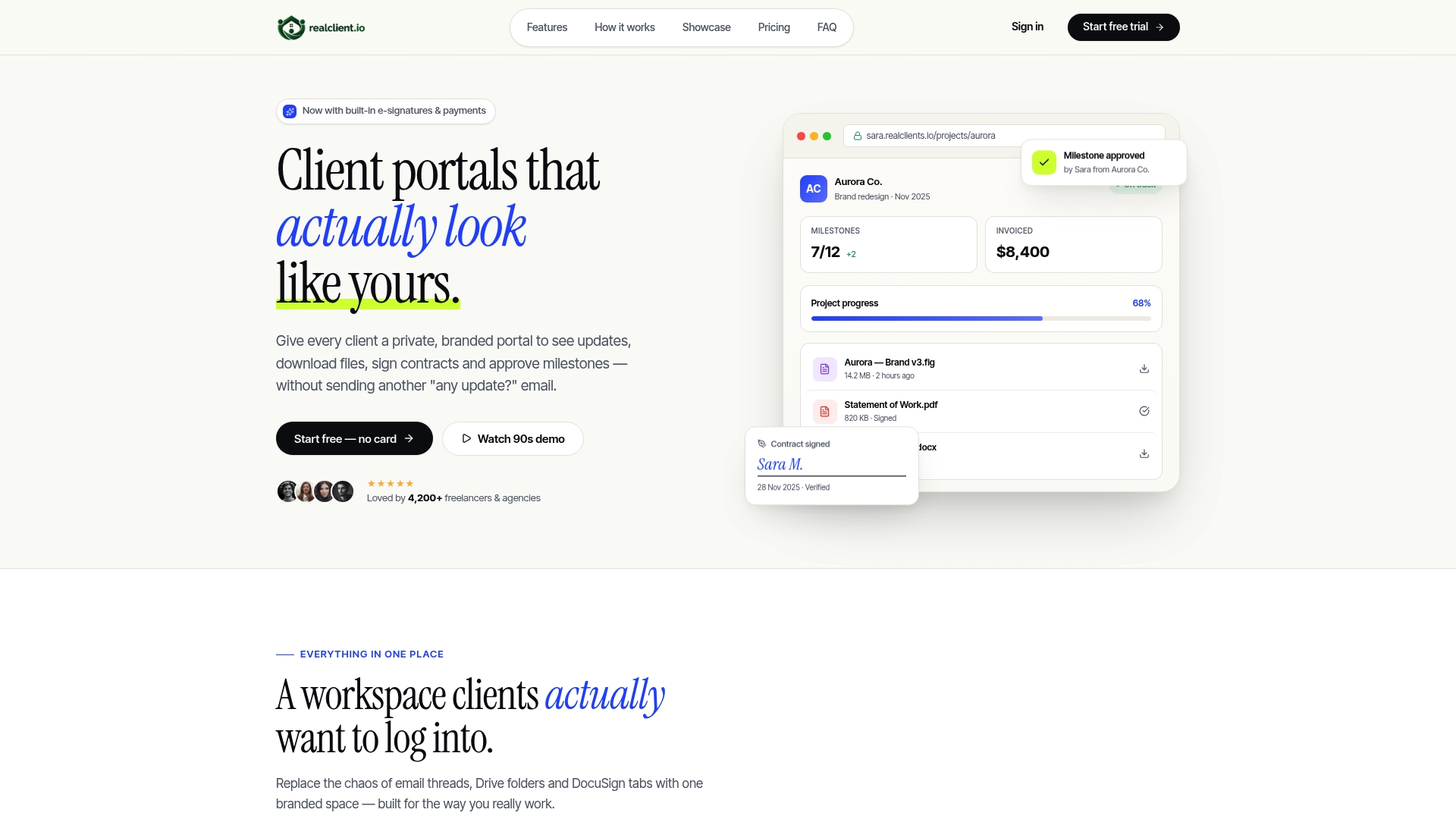
The company reports $48 million invoiced through its portals last year. RealClients reports over 4,200 freelancers and studios using branded client workspaces. The vendor advertises setup in about 2 minutes.
Core Features
RealClients gives each project a private, branded client portal where threaded messaging sits alongside files, tasks, and plain language timelines. It includes electronic signatures, invoicing and payment processing with support for Stripe, PayPal, and bank transfer, plus file version control and milestone tracking. The vendor states SOC 2 compliance and uses end to end encryption while also offering analytics and role based team permissions.
Key Differentiator
A single client portal keeps contracts, messages, files, invoices, and payments together so you do not juggle separate tools. That consolidated workspace, paired with branding and payment rails, shortens administrative work for small teams.
Pros
Setup and the interface are straightforward, which saves billable time during onboarding and early projects. The platform reduces the number of separate apps you need by keeping electronic signatures, invoicing, and payment acceptance inside each portal. Strong security claims and branding controls help studios present a professional client experience that typically speeds payment and reduces back and forth.
Cons
- Free tier limits you to 3 clients and 1 GB storage, which will force upgrades as your client roster grows.
Notable Integrations
- Stripe
- PayPal
Who It's For
Freelancers and small creative studios that want a client facing workspace with billing and contract tools built in. Teams planning to manage fewer than 10 clients initially will find the tiering matches scale. Designers, developers, and digital service providers who prefer branded portals over email attachments will get the most value.
Unique Value Proposition
Private branded portals that accept payments via Stripe and PayPal let you collect fees and store signed contracts inside the same client space. That setup reduces invoice chasing and keeps the client experience tidy, which aligns directly with the platform's reported invoiced volume.
Real World Use Case
A freelance designer creates a portal per client, posts milestone updates, and uploads design files with version history. The designer sends an electronic signature request, issues an invoice, and collects payment without leaving the portal. Administrative chores fall, and client satisfaction improves thanks to clear timelines and one access point.
Pricing
Plans start with a Free tier for up to 3 clients. Paid plans are $12.99/month for Pro and $29.99/month for Business, with higher tiers adding seats and storage.
Website: https://realclient.io
Dubsado
At a Glance
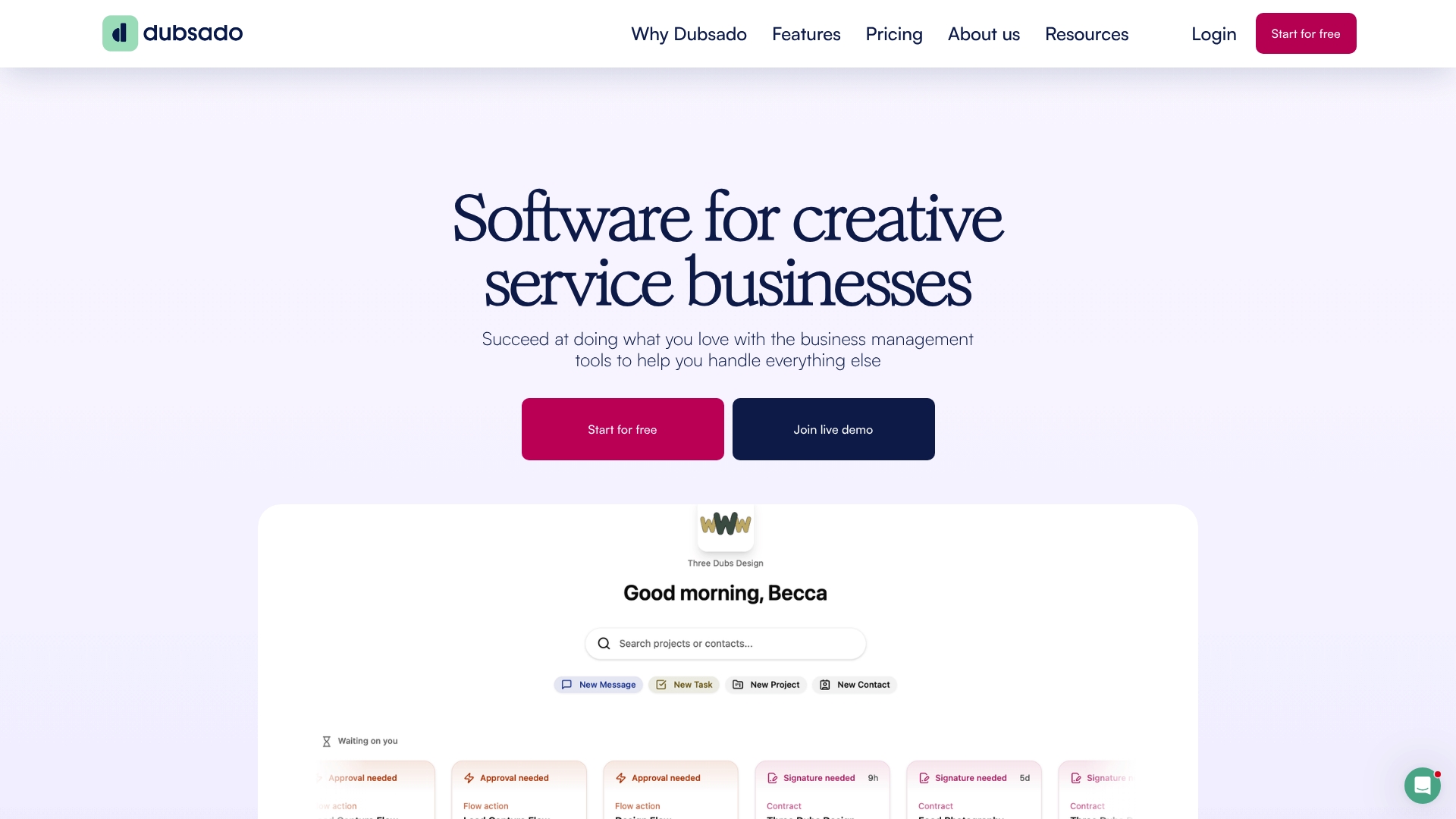
Dubsado reports it is trusted by over 120,000 business owners worldwide. The platform groups client portals, contracts, invoicing, scheduling, and automation into a single workspace for service providers. It targets photographers, designers, coaches, and event planners who need repeatable client processes.
Core Features
Dubsado centralizes client workflows with client portals, where customers view contracts, invoices, and files. It offers automated workflows, which trigger forms, reminders, and invoices after events such as a signed contract or paid deposit. The platform also handles proposals, scheduling, payment processing, and optional business financing via Stripe Capital.
Key Differentiator
The product focuses on creative professionals and small service businesses and pairs deep template customization with event driven automation. That mix makes it practical for sellers who want branded client touchpoints and repeatable onboarding without assembling separate tools.
Pros
The automation engine lets you chain forms, proposals, and billing so routine tasks run without manual steps. Extensive template variables and branded forms give fine control over client-facing messages and documents. Integration options for email, calendars, payments, bookkeeping, and Zapier support common studio workflows and accounting handoffs.
Cons
- Steep learning curve for initial setup and workflow logic. New users will need time to map triggers and test sequences.
- Interface can feel clunky and sometimes slow to load or navigate on complex projects.
- Design customization for client-facing pages is limited compared with dedicated web builders.
- Occasional workflow complexity may overwhelm users who prefer minimal tools.
When It May Not Fit
If you need a minimal, turnkey booking tool with almost no setup, this will feel heavy. Teams that require pixel-perfect client portal branding may find customization options too narrow. Businesses that prioritize a slick, instant-loading interface over deep automation could prefer a lighter alternative.
Notable Integrations
Dubsado connects with Gmail, Microsoft 365, Stripe, QuickBooks, Xero, and Zapier, which covers common email, payment, and bookkeeping needs for service businesses. These integrations help push invoices, sync calendars, and automate accounting exports.
Who It's For
Small to medium creative service providers and entrepreneurs who run repeatable client workflows will get the most value. Photographers, designers, coaches, and event planners who want branded proposals, automated onboarding, and consolidated client records fit this tool well. Users comfortable with a setup phase will unlock its benefits.
Real World Use Case
A wedding photographer uses Dubsado to turn email inquiries into automated proposals, collect deposits via Stripe, send contracts for e-signature, and schedule timeline meetings. That sequence reduces weekly admin hours and keeps client communication consistent across bookings.
Pricing
Starting at $35/month or $335/year for the Basic plan. A more automation-focused plan is $55/month or $525/year, and enterprise pricing is available for larger teams.
Website: https://dubsado.com
ManyRequests
At a Glance
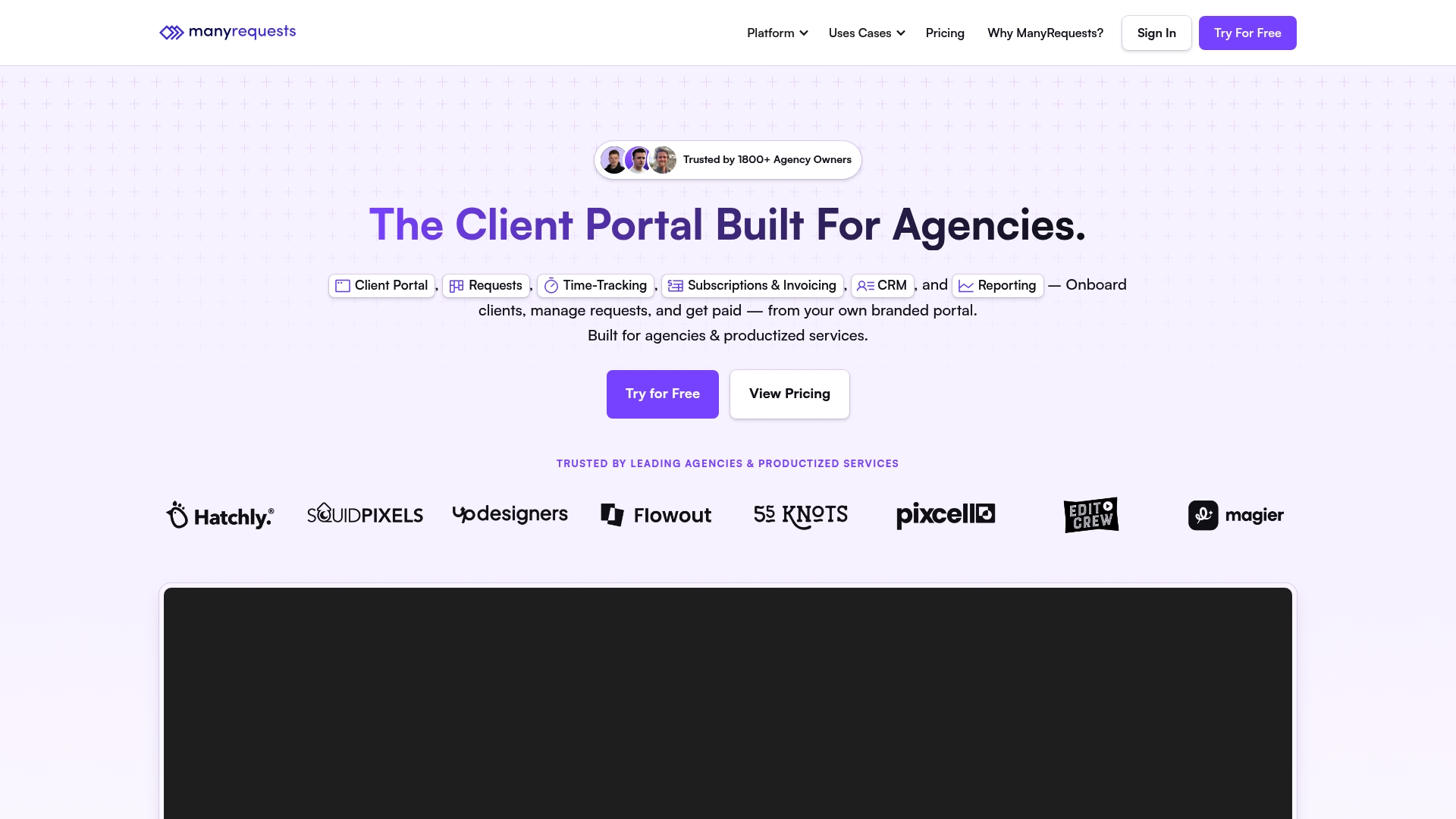
The vendor advertises support for unlimited clients, requests, and team members in all plans. That makes it attractive for teams that handle many recurring requests or large client rosters. ManyRequests emphasizes white-labeled portals and billing tied directly to time tracking.
Core Features
ManyRequests offers a branded client portal with custom domains and CSS plus conditional request forms that route work automatically. Time tracking links to automated billing, subscriptions, and invoicing while a built-in CRM stores client notes and activity. Workflow automation, embed options, and reporting round out the feature set for client-facing operations.
Key Differentiator
Built specifically for agencies, ManyRequests concentrates on client-facing workflows rather than internal project management alone. Its portal-first approach keeps client requests, payments, and activity visible in one place. That focus separates it from general project tools and favors teams that bill clients directly for work.
Pros
The platform consolidates invoicing, request intake, and CRM into a single interface, reducing the number of separate tools you must manage. White-label branding lets teams present a polished portal to clients and keep communications under their domain. Plans scale from small teams up to enterprise, and the vendor claims unlimited clients and seats, which supports growth without per-client fees.
Cons
- Customer support responsiveness has been flagged by some users, with slower replies reported in community feedback.
- Users report bugs and instability, especially around email campaigns and domain setup, which can disrupt outreach or branding work.
- Several users describe friction when attempting to cancel subscriptions, which can affect onboarding confidence.
When It May Not Fit
If fast, responsive vendor support matters to your operations, ManyRequests may not be the best match. Teams that rely heavily on email campaign stability should weigh reported issues carefully. Organizations that need a trivial domain setup process may face extra configuration time.
Notable Integrations
ManyRequests connects with common payment and automation tools. Key integrations include Stripe, Zapier, Webhooks, Google Sheets, and Looker Studio. These options make it easier to tie portals into billing, reporting, and broader automation stacks.
Who It's For
Agencies and service providers that want a client-facing portal with billing, time tracking, and CRM built in will find this product aligned with their needs. If you run a bonsai club, paid workshop series, or competition entry service and treat client interactions like agency work, this platform can handle intake, payments, and reports. Teams that prefer branded client experiences will get the most value.
Real World Use Case
A digital agency uses ManyRequests to accept client requests through a branded portal, track time against tasks, and bill automatically when work completes. Clients log issues, upload files, and pay invoices without switching systems. The agency uses reporting allocating team capacity and reconcile monthly revenue.
Pricing
Monthly and annual plans range from $39 to $99 for small agencies, with enterprise options starting at $1,000/month or custom. Core features are included in standard tiers, while additional seats, storage, and premium support add extra charges. Annual billing typically reduces the per-month cost relative to monthly plans.
Website: https://manyrequests.com
Comparison of alternatives
Setup and Usability
RealClients streamlines the setup process, requiring just minutes to configure fully branded client portals, facilitating immediate use. ManyRequests focuses on scalability with features such as unlimited clients and white-label options, but users report friction during configuration and subscription adjustments. Meanwhile, Dubsado presents a client automation suite but has a steeper learning curve, affecting usability for those preferring an intuitive solution.
Automation Depth
Dubsado excels in this area by enabling intricate, logic-driven workflows that generate forms, reminders, and invoices automatically based on predefined triggers. This capability is for businesses like photographers and event planners overseeing multiple simultaneous projects. Although RealClients and ManyRequests offer automations tied to their portals, their feature depth and customization options do not match the flexibility Dubsado demonstrates in automating end-to-end operations.
Best fit
- Creative professionals and boutique teams seeking private branded portals with integrated payment processing will find RealClients ideal for its setup speed and intuitive interface.
- Workflow-intensive businesses preferring advanced automation tailored to repeated client activities should consider Dubsado due to its workflow engine.
- Agencies needing massive client intake paired with white-label branding for scalability will benefit from ManyRequests' emphasis on handling high demands without client-specific fees.
Our pick
RealClients provides a unified, branded portal system to optimize client interactions and shorten administrative tasks. Its focused interface and secure feature set make it ideal for creative professionals and small studios. However, Dubsado or ManyRequests may suit larger teams or businesses requiring deep automation or extensive white-label customization.
Compare platforms designed for client-facing workflows through the highlighted features, differences, and limitations.
| Product | Core Feature | Key Differentiator | Pricing | Notable Limitation |
|---|---|---|---|---|
| Realclient | Branded portals with contracts, payments, and files | Consolidates branding, contracts, and payments | Free tier or $12.99–29.99/month | Free plan limits growth potential |
| Dubsado | Automated workflows with client records | Deep automation options for repeatable tasks | $35–55/month | Steep learning curve for initial setup |
| ManyRequests | White-labeled portals with tracking and billing | Designed for high client volume agencies | $39–99/month | Reports of support response and stability issues |
How Can Freelancers and Studios Manage Client Work Portals Without the Usual Headaches?
Managing clients and projects across multiple tools creates delays and confusion. You read about solutions that promise branded portals and built-in payments, yet many come with a steep learning curve or hidden limits on clients and storage. Realclient offers a focused approach designed specifically for freelancers, small creative studios, and service providers. With Realclient, you get a private, branded portal for each client that includes messaging, file sharing, contract signing, invoicing, and payment acceptance all in one place. This reduces administrative hassle, helps get paid faster, and keeps clients informed with plain language timelines.

See why freelancers and studios managing fewer than 10 clients favor Realclient. Visit Realclient to create your own client portals and upload contracts, invoices, and milestone updates without juggling separate apps. Import your first clients and have a fully branded workspace ready in just minutes.
FAQ
What features make Realclient suitable for freelancers and small studios?
Realclient provides a consolidated client portal that combines contracts, messages, files, invoices, and payments in one space. This setup helps freelancers and small studios streamline their administrative work and enhances the professional client experience. As a result, studios can transition to a more efficient workflow with reduced time spent on administrative tasks.
How does Realclient compare to Dubsado in terms of automation?
Dubsado excels in automation with its ability to create event-driven workflows that trigger forms, reminders, and invoices based on specific actions. In contrast, Realclient focuses on offering a branded client portal with integrated invoicing and payment processing which supports other key creative workflows. This makes Realclient a better fit for those who want a straightforward workspace rather than deep automation.
What is the pricing structure for Realclient compared to ManyRequests?
Realclient starts with a Free tier for up to 3 clients and has paid plans at $12.99/month for Pro and $29.99/month for Business. ManyRequests, on the other hand, ranges from $39 to $99 monthly for small agencies. Freelancers and studios should consider Realclient's pricing to better determine how it aligns with their initial client volume and budget management.
Can I access all features in Realclient’s free tier?
No, the free tier of Realclient limits users to just 3 clients and 1 GB of storage, which may require upgrades as your client roster expands. This limitation encourages users to upgrade to fully utilize the platform's capabilities and manage more complex client relationships effectively.
What are the integrations offered by Realclient?
Realclient supports integrations with Stripe and PayPal for payment processing, enhancing its utility for billing and invoicing. Users looking to maintain streamlined financial operations will benefit from these integrations, simplifying payment collection through their client portals.