
Make the portal your default channel at onboarding and pair it with proactive, low-friction engagement. That combination reliably increases client portal adoption, repeat use, and on-portal payments. Everything else, templates, notifications, mobile access, supports that one decision.
If you do nothing else this week, run these three moves:
- Pre-populate a portal for your next new client before they ever log in, so the first screen shows their actual project, not an empty dashboard.
- Send a guided welcome with a magic-link login (no password to forget) or offer a quick screen-share to walk them through it live.
- Set one automated reminder asking for the first document or signature, timed for 48 hours after invite.
RealClients customers invoiced over $48 million through their portals last year, and the pattern behind that number is consistent: firms that make the portal the first stop, not a backup option, see clients actually use it.
Key Takeaways
Client portal adoption succeeds when the portal replaces email as the default channel at onboarding and clients get proactive, low-friction reasons to return.
| Point | Details |
|---|---|
| Lead with onboarding | Make the portal the first touchpoint, not an alternative offered after the fact. |
| Fix friction early | Prioritize mobile access and magic-link logins before scaling to every client. |
| Run a 90-day rollout | Pilot with tech-comfortable clients in days 30 to 60 before full enforcement. |
| Track five KPIs | Watch registration rate, time-to-first-action, and support-deflection weekly. |
| Choose a built-for-purpose platform | RealClients pre-populates portals and bundles e-signatures and payments, backed by over $48 million invoiced through its portals last year. |
Table of Contents
- Why Most Client Portals Collect Dust
- Your 8-Step Client Portal Implementation Checklist
- What Should a Client's First Portal Visit Look Like?
- How Do You Keep Clients Coming Back?
- Which Metrics Actually Prove Adoption Is Working?
- What We'd Tell You to Prioritize First
- Getting Started With RealClients
- Sources
Why Most Client Portals Collect Dust
Adoption isn't a software problem. It's a process change, and most portal rollouts fail when firms treat adoption as a software problem instead of a process change. You can buy the best platform on the market and still watch clients keep emailing PDFs if nobody changes how the team works day to day.
Here's what actually kills adoption:
- Staff inconsistency. One team member sends a portal link, another attaches a file to an email out of habit, and clients learn there's no real rule.
- Friction at login. Desktop-only flows, forgotten passwords, and stale dashboards push clients back to email within a week.
- No clear expectation. If the portal exists but isn't required, it becomes optional, and optional things get skipped.
- Poor mobile experience. Clients on phones abandon portals that demand a desktop screen, and most client-facing traffic now happens on a phone.
The fix starts with treating the portal as policy, not a nice-to-have add-on.
Your 8-Step Client Portal Implementation Checklist
A working client portal checklist splits cleanly into three phases. Here's the version we'd hand a five-person agency or a solo realtor.
Phase 1, Days 0 to 30: Build the foundation.
- Choose your templates for common services (contract package, onboarding packet, monthly report).
- Pre-populate a sandbox client so staff can practice with real-looking data.
- Train every staff member who touches client communication, not just the account leads.
- Appoint a portal champion, one person who owns adoption and fields internal questions.
- Lock naming conventions for files and folders so every client sees a consistent structure.
Phase 2, Days 30 to 60: Pilot with real clients.
- Invite your most tech-comfortable clients first. Starting with clients who already trust web tools surfaces friction before it hits your whole book, and you fix it quietly instead of publicly.
- Collect feedback weekly and patch the obvious stuff (confusing labels, missing mobile view, slow login).
Phase 3, Days 60 to 90: Go all in.
- Roll out to every client, enforce a portal-first policy, document any exceptions in writing, and automate your reminder sequences.
A sample welcome script for a realtor: "Hi Jamie, I've set up your private portal with the listing agreement ready for your signature and a folder for inspection reports. Tap the link below, no password needed."
A sample request checklist for a bookkeeping client: intake questionnaire, prior-year tax return upload, bank statement authorization, signed engagement letter.
Pro Tip: Give your portal champion 30 minutes a week, not as a task on top of their job, but as a protected slot to review adoption numbers and fix one friction point. Champions who get squeezed into "whenever" stop championing by week three.
What Should a Client's First Portal Visit Look Like?
The first login decides whether a client comes back. A blank dashboard reads as busywork. A dashboard with their actual contract, their actual file, their actual next step reads as progress, and pre-populating real data before the first visit measurably increases activation.

Build the welcome page around one clear first action: "Upload your ID" or "Sign your agreement," not a menu of six options. A structured, linear onboarding flow like this can cut onboarding support tickets by around one third compared to open-ended email chains, because the client always knows what's next.
Three onboarding formats work well, depending on the client:
- A 60-second welcome video recorded once and reused for every new client in that service line.
- A live 5 to 10-minute screen-share for higher-value or less tech-savvy clients.
- A magic-link login that skips password creation entirely for anyone in a hurry.
| Onboarding element | What it does |
|---|---|
| Personal welcome message | Confirms the client is in the right place, not a generic portal |
| Pre-populated files | Shows real progress on visit one instead of an empty folder |
| Embedded e-signature | Removes a second app and a second login |
| 30/60/90 timeline visual | Sets expectations for what happens next and when |
How Do You Keep Clients Coming Back?
Most portals get built, launched, and then ignored, because a striking number of clients, in some analyses as high as 90 percent, never log back into a portal once the first task is done. The fix isn't a better login screen. It's giving clients a reason to check back.
Surface what changed. A simple "3 updates since your last visit" banner beats a static file list every time, because it answers the client's real question: did anything happen while I wasn't looking?
- Automate notifications for the events clients actually care about using client reporting software for marketing agencies: a signed document, an approved deliverable, a payment reminder.
- Mix channels deliberately. Email for records, SMS for urgent asks, chat integrations if your clients already live in Slack or Teams.
- Keep messages short, one clear action per notification, and space them out. High-frequency, low-relevance automation drives churn, not engagement, with around 90% of clients never logging in to their portals as observed by practitioners..
Pro Tip: Set a rule that no automated notification goes out without a specific action attached. "Your portal was updated" gets ignored. "Your invoice is ready to pay" gets opened.
Which Metrics Actually Prove Adoption Is Working?
Track five numbers, and skip the vanity metrics.
- Registration rate: percentage of invited clients who actually create an account.
- Time-to-first-action: how long between invite and the client's first real task (upload, signature, payment).
- Active contact rate: how often your primary client contacts log in relative to how often they should.
- Support-deflection rate: how many status-check emails or calls the portal eliminates.
- On-portal payment rate: what share of invoices get paid inside the portal versus elsewhere.
A realistic first-quarter target is a 30 to 60 percent drop in "just checking in" emails once portal-first policy takes hold. Run small experiments monthly, different subject lines, different call-to-action wording, different reminder timing, and let your portal champion own the weekly check and a monthly summary to the team.
What We'd Tell You to Prioritize First
Most advice on this topic treats every tactic as equally urgent: train staff, pick software, automate everything, redesign the dashboard. That's backwards. The single highest-leverage move is making the portal the default at onboarding, before a client ever forms the habit of emailing you. Everything downstream, notifications, mobile polish, feedback loops, matters less if the portal isn't the first thing a new client touches.
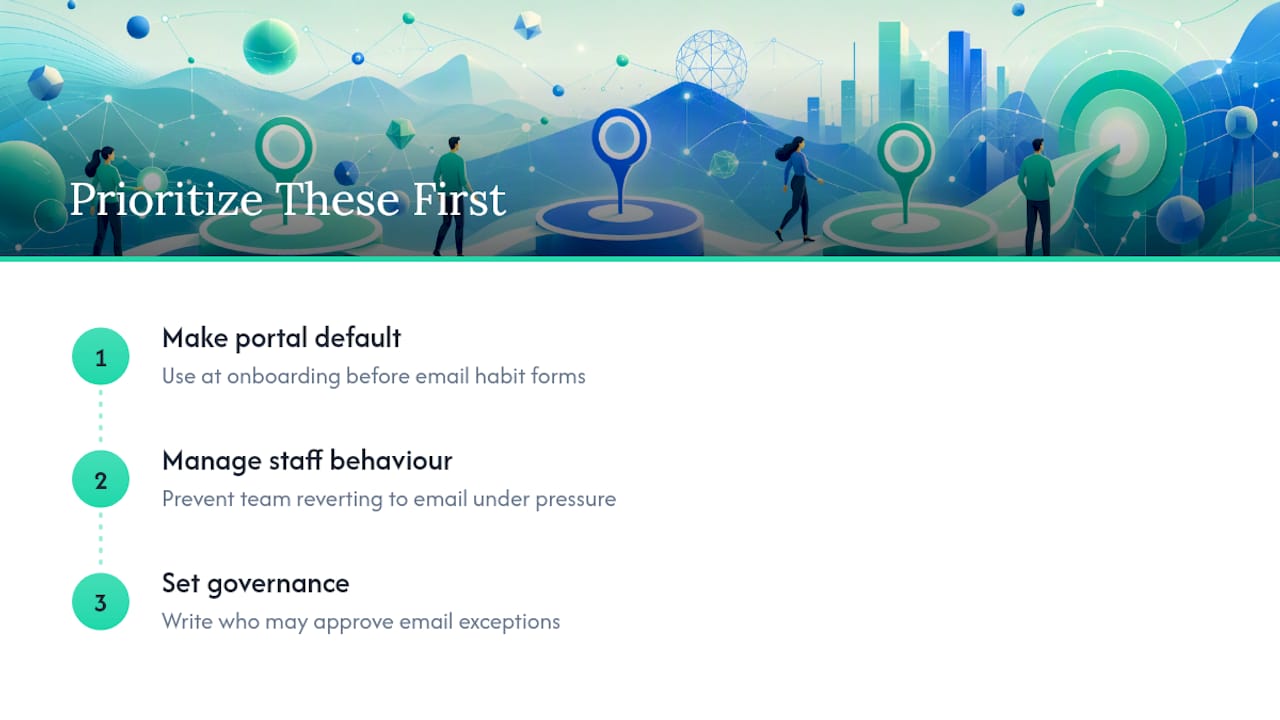
The conventional advice also underweights staff behavior. You can build the cleanest onboarding flow in the world, and one team member who reverts to email under deadline pressure will undo it for that client permanently. Adoption is a management discipline before it's a product feature.
If we had to pick the one thing most firms skip: governance. Decide, in writing, who can approve an email exception and when, before your first client asks for one. Without that rule, "just this once" becomes the norm within a month.
— Real
Getting Started With RealClients
RealClients maps directly onto this playbook because it was built around the same problem: clients who never log in, files scattered across inboxes, and payments that lag for weeks after a project wraps.

The platform pre-populates each client's portal automatically, supports branded welcome pages, and bundles e-signatures and payment processing (Stripe and PayPal) into the same login clients already have. Request templates by service line, mobile-friendly flows, and magic-link authentication address the friction points covered above without stitching together four separate tools. RealClients customers invoiced over $48 million through their portals last year, and users consistently report faster payment cycles and fewer status-check emails once the portal becomes the default channel.
If you're planning a rollout in the next 90 days, start with a free trial of RealClients or book a short onboarding consultation to see how a pre-populated portal looks for your first pilot client.
Sources
- Client Portal Software for Accountants: Adoption Playbook
- 90% of Your Clients Never Log Into Your Portal | Blueleaf
- Briidge